
Top 10 Cross-Platform Patch Management Tools 2025

In 2025, managing patches across multiple platforms – Windows, macOS, Linux, and third-party apps – has become critical for IT security. With remote work increasing the number of endpoints, businesses now require tools that automate patching, ensure compliance, and integrate seamlessly with existing systems. Here are the top 10 tools that simplify patch management:
- ManageEngine Patch Manager Plus: Covers OS and third-party apps with policy-based automation and compliance reporting.
- SecPod SanerNow: Cloud-native with broad compatibility and automated workflows.
- ITarian: Free for up to 50 endpoints, supports multiple platforms, and offers detailed reports.
- SolarWinds Patch Manager: Designed for Windows environments and integrates with WSUS/SCCM.
- Ivanti Patch Management: Automates workflows and supports rollback for stability.
- Automox: Cloud-based, supports all major platforms, and offers real-time compliance tracking.
- Syxsense: Uses AI to prioritize patches and ensure remote endpoint security.
- GFI LanGuard: Combines vulnerability scanning with patch deployment for mixed environments.
- Kaseya VSA: Ideal for MSPs with policy-based automation and strong integration.
- SecOps Patch Management: Cloud-based, supports distributed environments, and tracks compliance.
Quick Comparison:
| Tool Name | Platforms Supported | Automation Level | Third-Party App Support | Key Features |
|---|---|---|---|---|
| ManageEngine Patch Manager Plus | Windows, macOS, Linux | Policy-based | Extensive | Modular IT integration |
| SecPod SanerNow | Windows, macOS, Linux | Fully automated | Broad | Cloud-first, compliance tracking |
| ITarian | Windows, Linux | Policy-based | 400+ apps | Free tier, RMM integration |
| SolarWinds Patch Manager | Windows | Automated | Major apps | WSUS/SCCM integration |
| Ivanti Patch Management | Windows, macOS, Linux | Automated, rollback | 3,000+ apps | Rollback, security operations |
| Automox | Windows, macOS, Linux | Fully automated | Unified support | Cloud-native, $1/endpoint/month |
| Syxsense | Windows, macOS, Linux | AI-powered | Comprehensive | Cloud-first, real-time reporting |
| GFI LanGuard | Windows, macOS, Linux | Semi-automated | Common apps | On-premises, vulnerability scans |
| Kaseya VSA | Windows, macOS, Linux | Policy-based | Broad | MSP-focused, remote monitoring |
| SecOps Patch Management | Windows, macOS, Linux | Automated, rollback | Popular apps | Cloud-based, compliance tracking |
These tools address the challenges of patching in hybrid and remote work setups, ensuring security and compliance while reducing manual effort. Choose based on your organization’s size, platform mix, and specific needs.
Patch Management 101: Best Tools in 2025
1. ManageEngine Patch Manager Plus
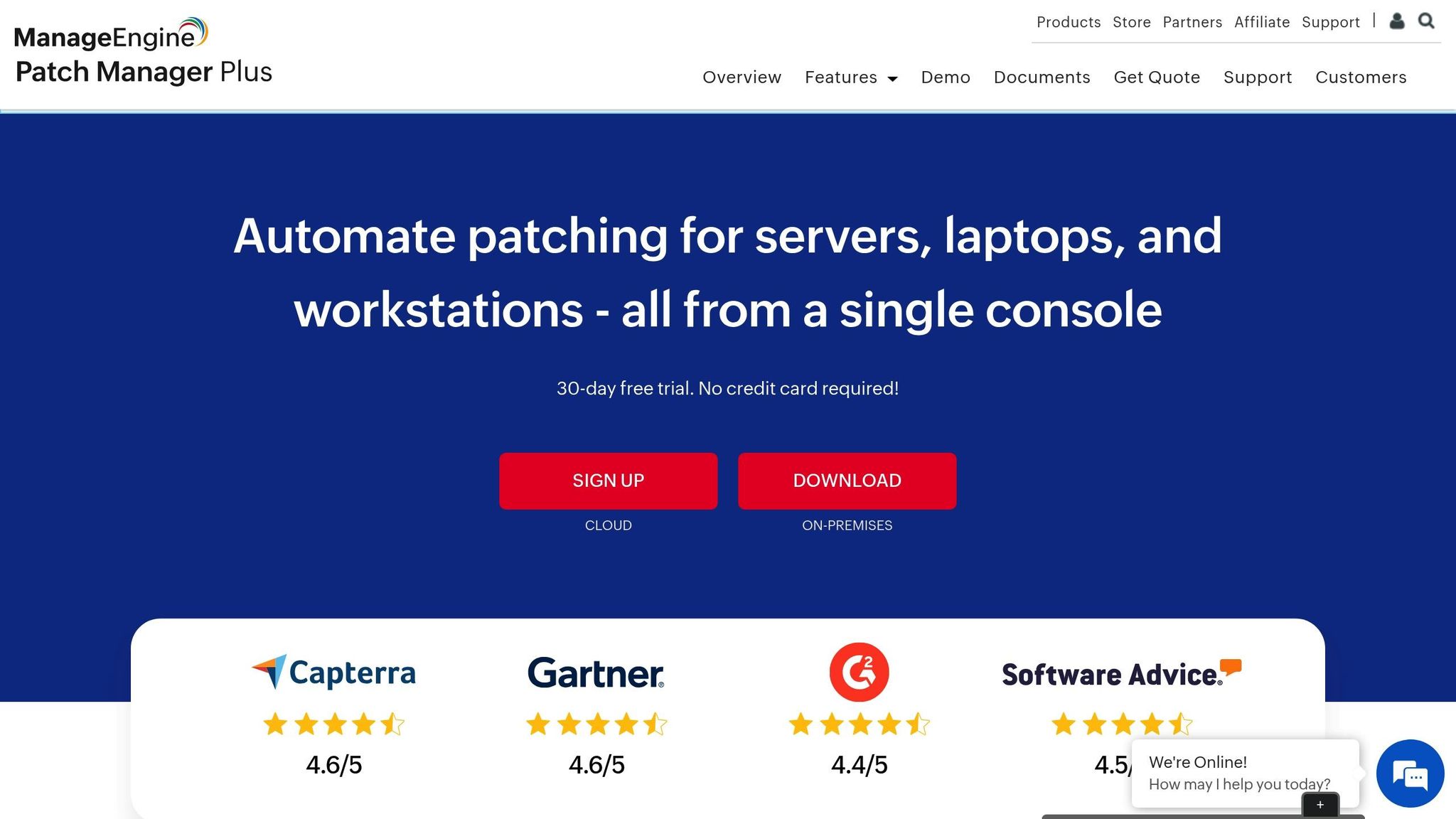
ManageEngine Patch Manager Plus offers an all-in-one patch management solution that fits right into broader IT operations. Its modular design makes it an appealing choice for businesses looking to streamline their IT processes while addressing patching needs.
Supported Platforms (Windows, macOS, Linux, Third-Party Apps)
This platform covers Windows, macOS, Linux, and thousands of third-party applications, tackling one of the most common challenges in patch management today.
Instead of just focusing on operating system updates, Patch Manager Plus goes further by managing updates for software like Adobe products, Java, and even specialized business tools. This means IT teams can handle their entire software ecosystem from one dashboard – no more switching between multiple vendor-specific tools. This wide-ranging support is a solid foundation for its automation capabilities.
Automation Level (Automated Deployment, Scheduling, and Policies)
From identifying patches to deploying them, the platform automates the entire process. It uses policy-based management to simplify tasks like vulnerability scanning, patch testing, and scheduling.
Organizations can set up tailored patching strategies for different systems. For instance, critical servers might get updates during designated maintenance windows, while patches for employee workstations can roll out during off-hours. By automating these workflows, the platform lightens the IT team’s workload while ensuring updates are applied efficiently and on time.
Reporting and Compliance Features
The platform’s dashboards provide real-time insights into patch statuses and generate compliance reports that are audit-ready. These features make it easier to pinpoint vulnerable systems and monitor patching progress across the network.
For organizations dealing with regulatory requirements, the compliance reporting tools create detailed documentation automatically. This not only saves time during audits but also helps demonstrate a strong security posture to stakeholders.
Integration with Existing IT Infrastructure
ManageEngine Patch Manager Plus works seamlessly with tools like Microsoft SCCM, Qualys, and ITSM platforms. It’s designed to integrate into existing IT ecosystems without a hitch.
As part of the ManageEngine suite, it also connects with Endpoint Management and Network Management tools, creating a unified IT environment. For example, patch management tasks can trigger service desk tickets, update asset inventories, and sync with other IT workflows automatically.
Additionally, the platform supports directory services like Active Directory, simplifying patch management for large, distributed networks. This ensures organizations can maintain strong security and access controls while managing patches across their infrastructure effortlessly.
2. SecPod SanerNow Patch Management
SecPod SanerNow is built with a cloud-native design, making it an excellent fit for today’s remote and distributed work environments. Unlike older patch management tools that rely on VPNs or on-premises infrastructure, SanerNow operates directly through the cloud, allowing seamless patch management for remote endpoints.
Supported Platforms (Windows, macOS, Linux, Third-Party Apps)
SanerNow provides support for Windows, macOS, Linux, and over 400 third-party applications, including popular software like Adobe, Google, and Oracle. This broad compatibility enables IT teams to manage patches across a wide range of environments from a single platform. For example, a healthcare provider successfully used SanerNow to streamline patching across multiple operating systems, simplifying their IT operations.
Automation Level (Automated Deployment, Scheduling, and Policies)
Patch deployment with SanerNow is fully automated, helping organizations save time and reduce manual effort. IT teams can schedule patches based on device importance, compliance needs, or business hours. The platform also supports automatic approval workflows and recurring schedules, eliminating the need for constant oversight.
Companies using SanerNow have seen patch deployment times drop by 60%, thanks to automation. The system also allows for custom policies, letting teams defer updates for testing or create approval workflows for critical systems, ensuring patches are deployed smoothly and securely.
Reporting and Compliance Features
SanerNow includes real-time reporting dashboards that monitor patch status, deployment success rates, and endpoint health. These reports are audit-ready and designed to meet U.S. regulatory standards like HIPAA, PCI DSS, and SOX. With U.S.-formatted dates and times, the reports are immediately usable for compliance audits, simplifying the process for IT teams.
Integration with Existing IT Infrastructure
SanerNow integrates seamlessly with existing IT environments, enhancing its functionality and adaptability. It works with directory services like Active Directory, SIEM solutions, and IT service management (ITSM) platforms. For instance, the platform can automate ticket creation for failed patches, providing centralized management alongside other security and operational tools. Its cloud-native structure ensures it can integrate without requiring major changes to your current IT setup, offering better automation and visibility without added complexity.
3. ITarian
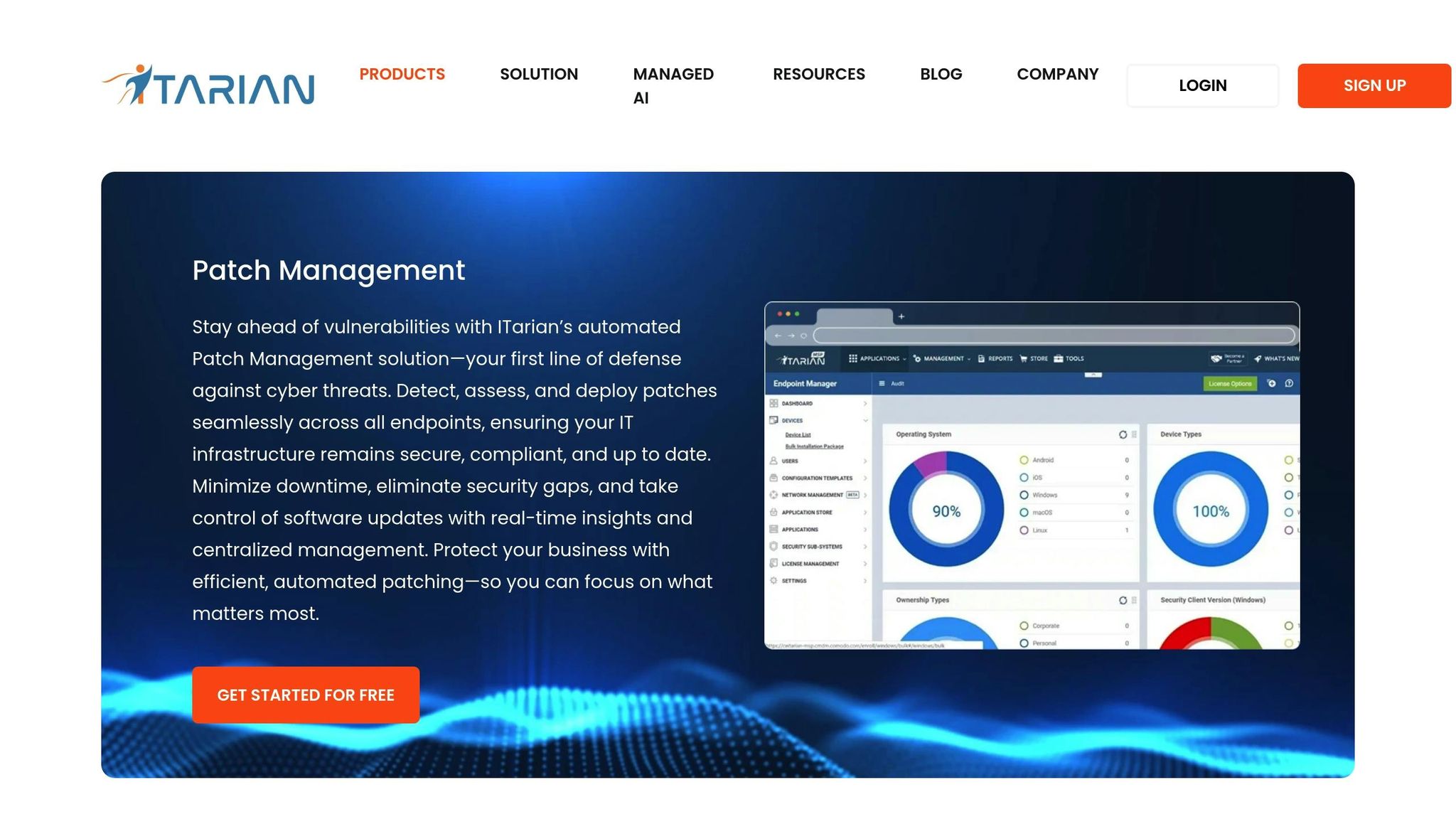
ITarian provides a flexible patch management solution, offering a free tier for up to 50 endpoints and premium plans starting at $1.25 per endpoint per month. Here’s a closer look at its standout features.
Supported Platforms (Windows, macOS, Linux, Third-Party Apps)
ITarian supports Windows, macOS, and Linux, going beyond just operating system updates to include third-party applications as well.
This broad compatibility makes it a great fit for businesses with mixed environments. By managing patches for different operating systems and apps from a single console, ITarian simplifies IT workflows and eliminates the need for multiple tools.
Automation Level (Automated Deployment, Scheduling, and Policies)
The platform offers automation features with policy-based controls, including approval workflows, device grouping, maintenance windows, and exception handling. These policies can be customized to suit specific departments, device types, or compliance needs, striking a balance between flexibility and security.
With automated patching, ITarian can reduce remediation time by as much as 60% compared to manual methods. IT teams can schedule patching windows, automate update approvals or rejections, and set recurring tasks to ensure timely updates without disrupting users.
Reporting and Compliance Features
ITarian delivers detailed, audit-ready reports covering patch status, deployment history, and compliance with both internal policies and regulatory standards. Reports can be tailored and scheduled for regular delivery, giving organizations clear insights into their patch management efforts and readiness for audits.
Integration with Existing IT Infrastructure
ITarian integrates seamlessly with tools like Active Directory, ticketing systems, RMM platforms, and APIs to centralize IT workflows.
Its cloud-based architecture allows IT teams to manage patches remotely, ensuring devices stay secure no matter where they’re located. This feature is especially useful for supporting remote and hybrid workforces, as it eliminates the need for VPNs or complicated network setups to keep endpoints updated and protected.
4. SolarWinds Patch Manager
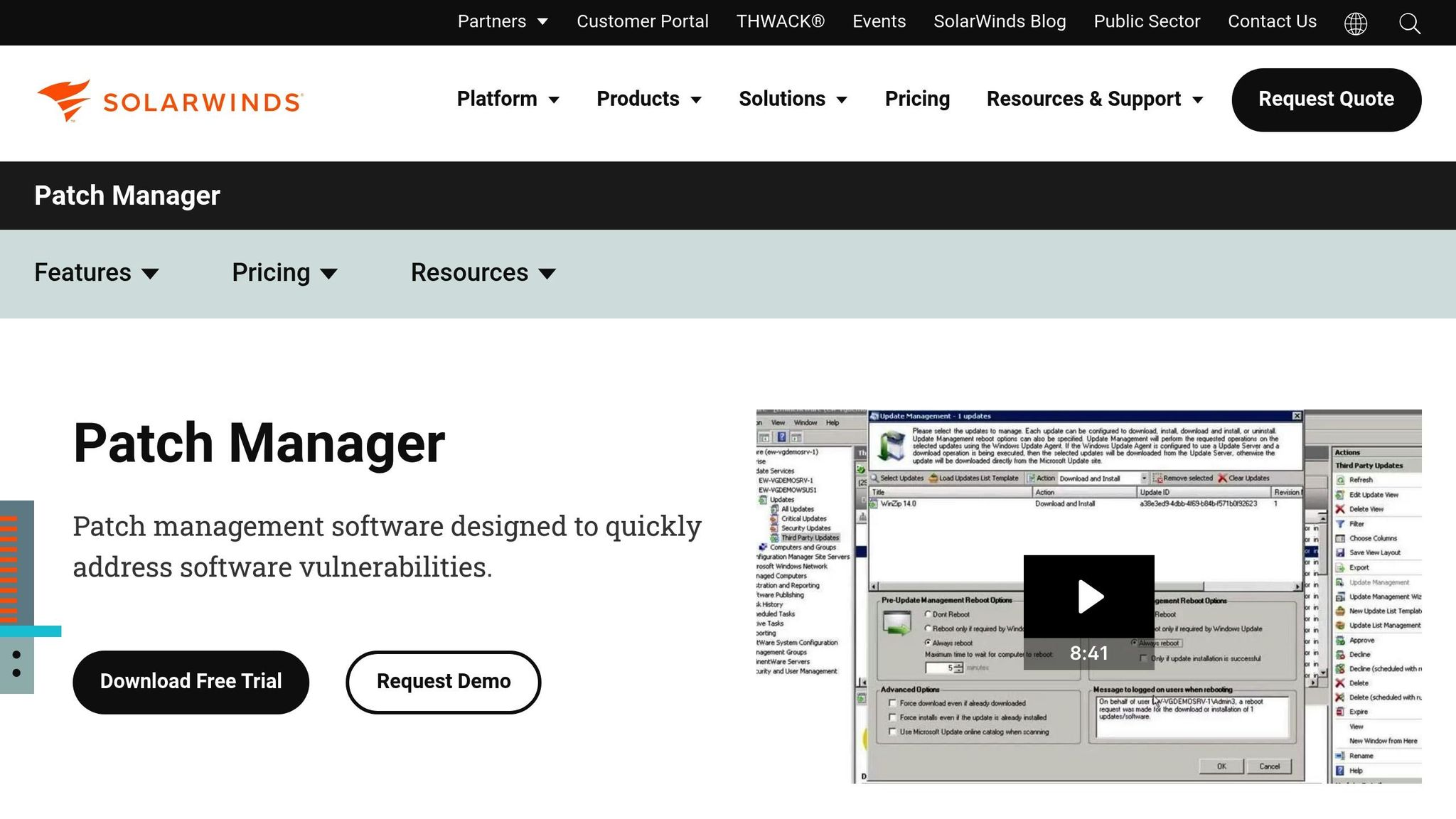
SolarWinds Patch Manager offers a tailored solution for organizations running Windows-based systems. Designed with Microsoft infrastructures in mind, it provides a focused approach for managing updates and patches in these environments.
Supported Platforms (Windows, macOS, Linux, Third-Party Apps)
SolarWinds Patch Manager is dedicated to Windows operating systems, integrating seamlessly with Microsoft WSUS (Windows Server Update Services) and SCCM (System Center Configuration Manager). While macOS and Linux are not supported natively, the tool compensates by offering robust third-party application patching. It covers popular enterprise applications like Adobe, Oracle Java, Google Chrome, and Mozilla Firefox, addressing a common shortfall in native Windows patching tools.
Automation Level (Automated Deployment, Scheduling, and Policies)
This tool automates key aspects of patch management, including scanning, scheduling, and deployment. Custom policies allow businesses to roll out updates during off-hours or target specific device groups, ensuring minimal disruption. Automated workflows streamline the approval and deployment process, reducing the chance of human error and keeping systems up to date.
Reporting and Compliance Features
SolarWinds Patch Manager includes extensive reporting tools that are crucial for meeting enterprise compliance requirements. Customizable reports track patch status and deployment history, aligning with standards like HIPAA, PCI DSS, and SOX. Reports can be scheduled for automatic delivery to keep stakeholders informed, while real-time dashboards provide instant insight into patch compliance. These features enable IT teams to quickly identify and resolve vulnerabilities in non-compliant systems.
Integration with Existing IT Infrastructure
One of the standout features of SolarWinds Patch Manager is its ability to integrate directly with Microsoft environments. By working with existing WSUS and SCCM setups, it enhances patch management without requiring a complete overhaul of current systems. This makes it easier for organizations to maintain robust security while leveraging their existing infrastructure.
The tool also works well alongside other SolarWinds IT management products, such as Network Performance Monitor and Server & Application Monitor. This creates a unified platform for monitoring IT health and security. Additionally, many organizations pair it with SIEM systems to improve threat detection and response, further strengthening their security posture.
5. Ivanti Patch Management
Ivanti Patch Management offers a powerful solution for managing patches across diverse IT environments. It’s designed to handle mixed setups that include Windows, macOS, Linux, and a variety of third-party applications. With its broad platform support, Ivanti simplifies the entire patching process – from deployment to rollback – through automation and a user-friendly interface.
Supported Platforms (Windows, macOS, Linux, Third-Party Apps)
Ivanti provides extensive cross-platform support, making it an excellent choice for enterprises with a mix of operating systems. Whether you’re managing Windows servers, macOS workstations, or Linux-based infrastructure, Ivanti has you covered. Beyond operating systems, it also supports patching for third-party applications, ensuring security for widely used business software.
The platform’s integrated console allows IT teams to manage patches across all these systems and applications from a single interface. This unified approach saves time and reduces complexity, especially for organizations with varied IT environments.
Automation Level (Automated Deployment, Scheduling, and Policies)
Ivanti takes automation to the next level, minimizing the need for manual input in the patching process. It enables automated patch deployment during scheduled maintenance windows, with policies that can be customized based on the criticality of specific endpoints.
One standout feature is its ability to handle patch testing and rollback automatically. If a patch causes problems, the system can quickly revert to a stable state. This rollback functionality ensures system reliability and allows IT teams to focus on more strategic tasks instead of troubleshooting patch failures.
Reporting and Compliance Features
Ivanti’s reporting tools provide detailed insights into patch status, deployment success rates, and system vulnerabilities. These real-time reports are designed to meet compliance requirements for standards like HIPAA, PCI DSS, and SOX.
The reporting system is flexible, offering customizable and automated reports tailored to different audiences. Whether it’s a high-level summary for executives or a technical breakdown for IT teams, the platform ensures stakeholders have the information they need to monitor security and demonstrate compliance during audits.
Integration with Existing IT Infrastructure
Ivanti integrates smoothly with tools like ITSM platforms, Active Directory, and various security solutions through APIs. This seamless integration ensures that patch management aligns with broader IT operations, giving enterprises greater visibility and control over their IT ecosystems. For large organizations, this level of integration is especially valuable in maintaining a cohesive and efficient IT environment.
6. Automox
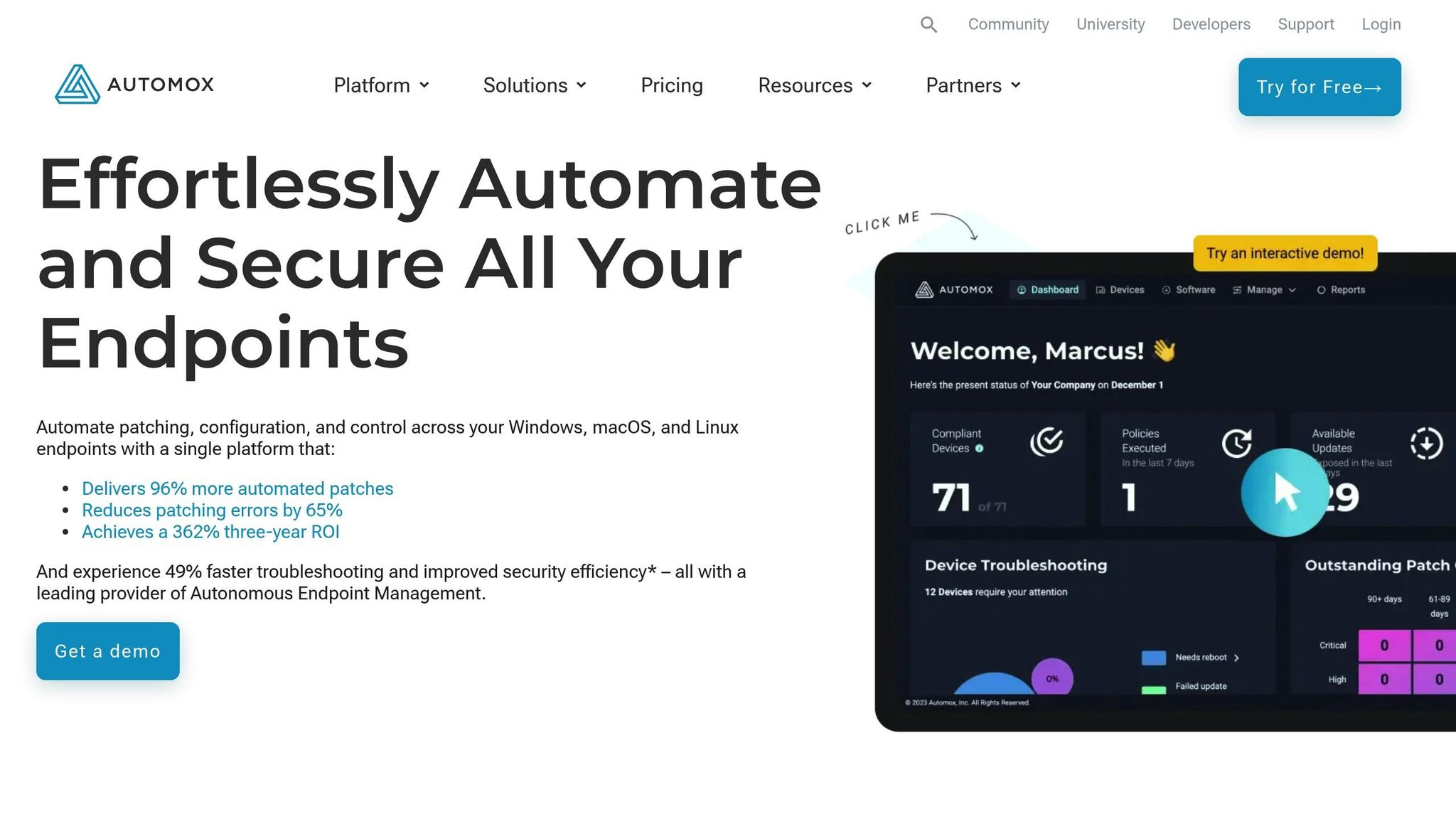
Automox is a cloud-based patch management tool designed for remote and hybrid environments. Unlike traditional solutions that rely on complicated on-premises setups, Automox operates entirely in the cloud. This means IT teams can manage patches through a simple browser-based dashboard – no need for VPNs or on-site servers.
Supported Platforms (Windows, macOS, Linux, Third-Party Apps)
Automox supports Windows, macOS, and Linux, all from a single interface, making it a great choice for organizations working across mixed environments. On top of that, it automatically identifies and manages patches for third-party applications, tackling one of the most common security blind spots – unpatched business software.
With its unified dashboard, IT teams can oversee and control all endpoints, regardless of the operating system or application. This eliminates the hassle of jumping between multiple management tools and streamlines the patching process.
Automation Level (Automated Deployment, Scheduling, and Policies)
Automox takes automation seriously. It offers fully automated patch deployment with customizable patching windows, approval workflows, and policies tailored to different device groups. For example, critical servers can be patched immediately after testing, while updates for workstations can be scheduled during off-hours.
Predefined schedules and automated workflows handle everything from patch detection to deployment, saving time and reducing manual effort. This is especially helpful for organizations managing large numbers of endpoints across various locations. Alongside deployment, Automox also ensures compliance tracking stays on point.
Reporting and Compliance Features
Automox simplifies compliance and reporting with real-time dashboards that track patch status, vulnerabilities, and overall compliance for all managed devices. These dashboards make it easy to spot non-compliant systems or critical vulnerabilities that need immediate attention.
The platform also generates audit-ready documentation, helping organizations meet regulatory requirements like HIPAA, PCI-DSS, and SOX. Reports can be tailored for different audiences – detailed technical insights for IT teams and high-level summaries for executives.
By providing real-time insights, Automox helps organizations close compliance gaps before they turn into bigger problems, reducing the risk of penalties and ensuring security standards are consistently met.
Integration with Existing IT Infrastructure
Built as a cloud-native solution, Automox integrates seamlessly with existing IT setups through APIs that connect to popular ITSM tools, security platforms, and enterprise software. This allows patch management data to flow directly into ticketing systems, security dashboards, and reporting tools, simplifying workflows.
Since it’s managed through a browser, Automox eliminates the need for extra hardware or complicated software installations. This not only shortens deployment time but also reduces ongoing maintenance, making it an appealing option for organizations looking to modernize their patch management without overhauling their infrastructure.
sbb-itb-59e1987
7. Syxsense
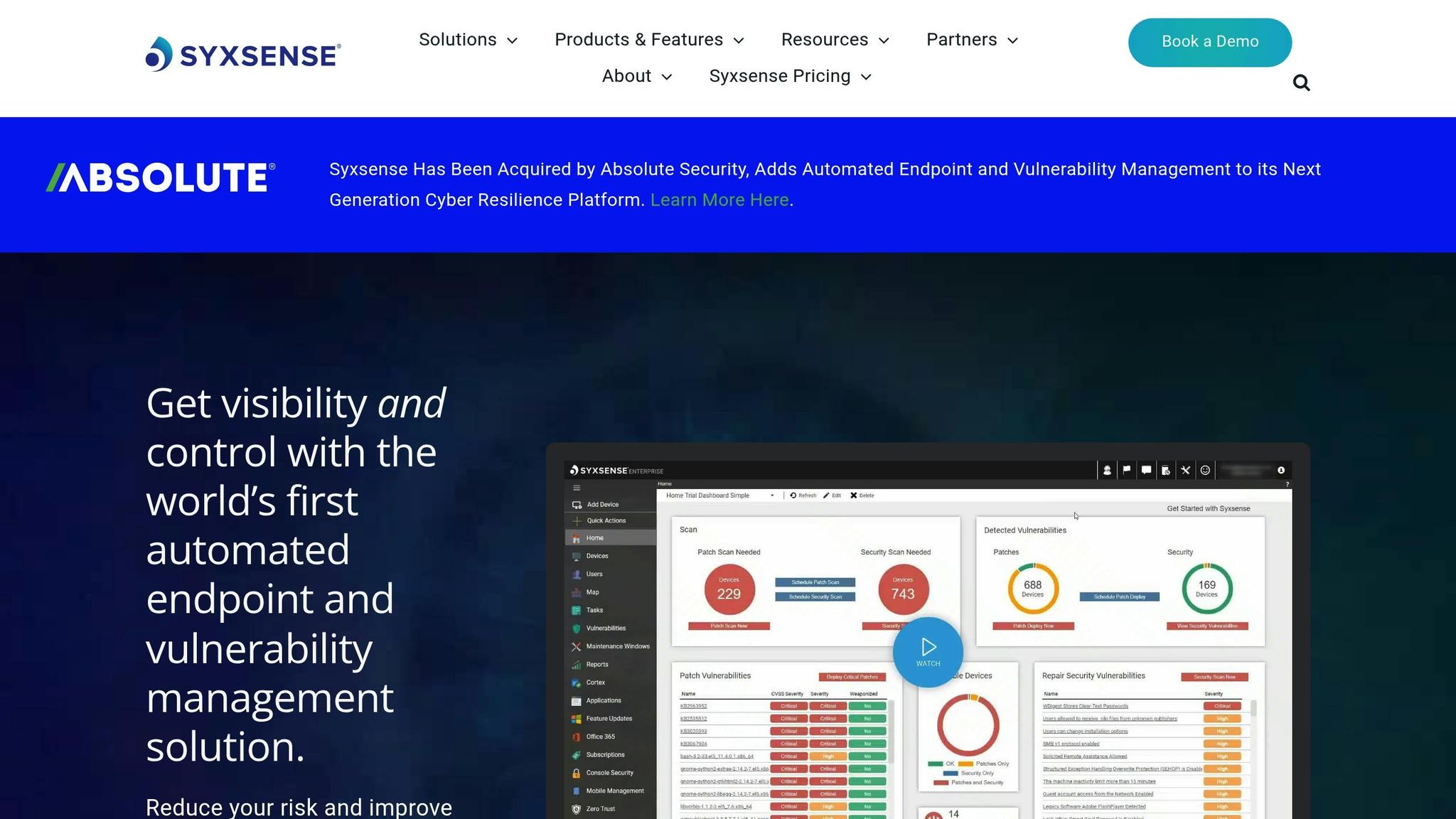
Syxsense is a cloud-based patch management solution designed for modern businesses with remote or distributed teams. By using AI-powered automation and offering cross-platform support, it secures endpoints without depending on VPN connections.
What makes Syxsense stand out is its ability to handle patch management entirely over the cloud. With its cloud-first architecture, remote devices remain secure and compliant, whether employees are working from home or traveling. Lightweight agents installed on devices communicate directly with the Syxsense cloud, removing many of the typical hurdles associated with managing patches for remote systems.
Supported Platforms (Windows, macOS, Linux, Third-Party Apps)
Syxsense supports Windows, macOS, and Linux operating systems through a single, streamlined interface. Beyond just OS updates, it automatically identifies and manages patches for third-party applications across all supported platforms.
The platform also targets essential business applications often missed by traditional patching tools. This comprehensive application support helps close security gaps left by unpatched third-party software – one of the most common entry points for cyberattacks.
For companies using hosted infrastructures, Syxsense can manage patches across virtual private servers, dedicated servers, and cloud-hosted environments. This ensures consistent security and compliance across both on-premises and cloud-based assets, leveraging Serverion’s global data centers for reliable performance. This compatibility supports a seamless and automated patching process.
Automation Level (Automated Deployment, Scheduling, and Policies)
Syxsense uses AI to scan for vulnerabilities and prioritize patches based on the risk they pose. IT teams can create policy-based schedules, ensuring critical servers are patched immediately while delaying workstation updates to less disruptive times.
The system offers full control over patching schedules, allowing updates to fit around business operations to avoid unnecessary downtime. Automated workflows simplify the entire process – from identifying vulnerabilities to deploying and verifying patches. It even includes the option to test patches in specific environments before rolling them out, reducing the chances of compatibility issues or system disruptions.
Reporting and Compliance Features
Syxsense provides real-time, customizable reporting that gives IT teams a clear view of patch statuses across all managed devices. Its compliance dashboards track patching activities and generate audit-ready reports to help businesses meet regulatory standards like HIPAA, PCI-DSS, and GDPR.
The reporting features go beyond just tracking patches. They include detailed vulnerability assessments and risk analyses, offering insights that help improve overall security practices. Executive summaries highlight the organization’s security posture, while technical reports provide actionable details for IT teams.
With real-time compliance tracking, Syxsense helps businesses identify and fix gaps before they lead to violations. The platform also maintains a detailed history of deployments, making it easy to provide documentation for audits.
Integration with Existing IT Infrastructure
Syxsense integrates effortlessly with existing IT systems through APIs and compatibility with tools like ITSM platforms, SIEM systems, and directory services. This allows patch management data to flow into ticketing systems, security dashboards, and other tools IT teams rely on.
The platform supports role-based access control and works with Active Directory and other identity management systems to align patching activities with existing security policies. These integrations streamline workflows and improve overall security by enabling coordinated responses to vulnerabilities.
Thanks to its cloud-native design, Syxsense eliminates the need for additional on-premises infrastructure and works seamlessly with existing security tools. This approach simplifies deployment and maintenance while offering the scalability needed for growing businesses.
8. GFI LanGuard
GFI LanGuard is a patch management tool designed to tackle vulnerabilities across diverse IT setups. It combines network scanning with patch deployment to address security issues beyond just operating system updates.
A mid-sized healthcare provider used GFI LanGuard to streamline patching for its mixed Windows and Linux environment. By automating patch deployment and utilizing compliance reports, the organization cut down manual tasks by 40% and successfully passed its HIPAA audit without any patch-related issues.
Supported Platforms (Windows, macOS, Linux, Third-Party Apps)
GFI LanGuard supports Windows, macOS, and Linux, making it a versatile choice for organizations with mixed environments. It doesn’t stop at operating systems – it also manages updates for over 60 third-party applications, such as Adobe products, web browsers, and Java. These apps are often overlooked but can become security risks if left unpatched.
The platform automatically detects installed software and flags missing updates, ensuring comprehensive coverage. Whether managing virtual private servers or dedicated servers, this wide-ranging support helps maintain consistent security across different environments. Its ability to automate and enforce patching policies ensures critical updates are handled efficiently.
Automation Level (Automated Deployment, Scheduling, and Policies)
GFI LanGuard simplifies patch management with automation. It allows administrators to schedule patch deployments, set recurring updates, and create custom policies to approve or reject patches based on organizational needs. This flexibility helps reduce disruptions while keeping systems secure.
Beyond patching, the platform automates vulnerability scans, running them regularly to detect threats and missing updates without requiring manual input. IT teams can configure it to deploy critical security patches immediately while holding back non-essential updates for testing. This balance keeps systems secure without compromising stability.
Policy-based management adds another layer of control. Different devices can be treated according to their roles – servers might get urgent patches right away, while workstations receive updates during planned maintenance periods. This approach ensures security measures align with operational priorities.
Reporting and Compliance Features
GFI LanGuard excels in reporting, offering tools to help organizations meet compliance standards like HIPAA, PCI DSS, and GDPR. It generates detailed reports on patch statuses, vulnerability scans, and remediation efforts, providing the documentation needed for audits.
These reports go beyond basic updates, offering in-depth vulnerability assessments with actionable recommendations. High-level dashboards give executives a quick overview of security posture, while technical reports provide IT teams with the specifics they need to address issues.
The platform also tracks patching activities in detail, making it easy to prove compliance. Reports can show when vulnerabilities were identified, what steps were taken, and how quickly issues were resolved. This level of detail integrates seamlessly with existing IT workflows, supporting audits and regulatory requirements.
Integration with Existing IT Infrastructure
GFI LanGuard integrates with Active Directory, simplifying device discovery and management by aligning with existing organizational structures. This streamlines deployment and ensures patching aligns with security policies already in place.
The platform also supports exporting reports and alerts to external systems, making it compatible with ticketing systems and SIEM solutions. This integration allows patch management data to fit into established workflows, helping IT teams respond to vulnerabilities more effectively.
As an on-premises solution, GFI LanGuard provides organizations with full control over their patch management processes and data. While it requires more infrastructure management compared to cloud-based tools, it offers the level of control and security that industries with strict regulations often demand.
9. Kaseya VSA
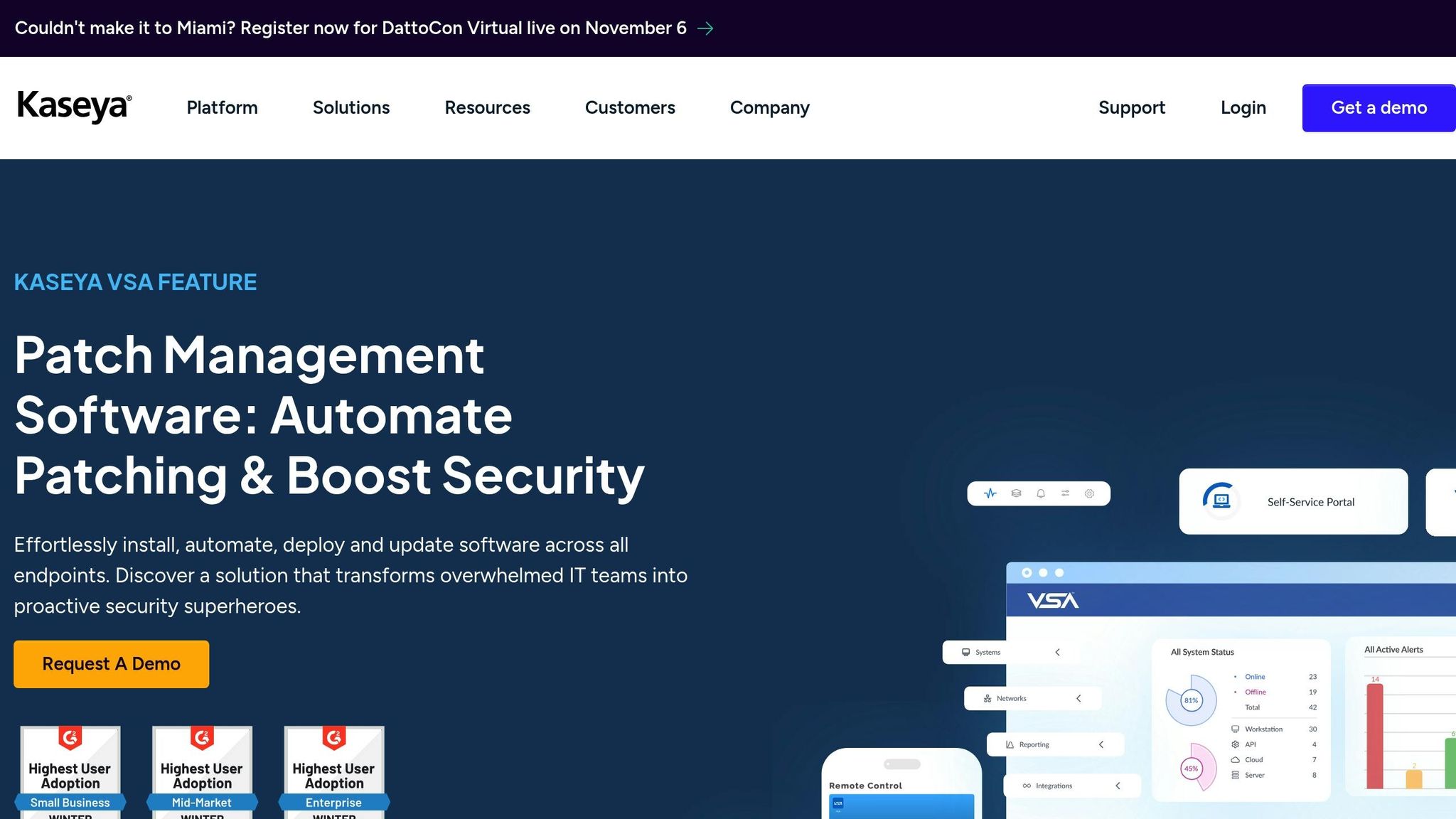
Kaseya VSA is a patch management tool built for managed service providers (MSPs) and enterprise IT teams. It simplifies the process of managing updates across multiple networks and complex infrastructures. For example, one mid-sized MSP reported cutting down manual patching efforts by 60% thanks to Kaseya VSA’s automation features and compliance reporting. This helped them meet service-level agreements (SLAs) and regulatory requirements more efficiently.
Supported Platforms (Windows, macOS, Linux, Third-Party Apps)
Kaseya VSA supports a wide range of platforms, including Windows, macOS, and Linux. This makes it easier for organizations to manage all their devices from one unified dashboard. Beyond operating system updates, it also handles patches for third-party applications like Adobe tools, web browsers, Java, and productivity software. By addressing these updates, Kaseya VSA helps close potential security gaps that unpatched software can create.
For businesses managing mixed environments – whether using virtual private servers or dedicated servers – this compatibility ensures consistent security. The platform automatically detects installed software and flags missing updates across all endpoints.
Automation Level (Automated Deployment, Scheduling, and Policies)
Kaseya VSA streamlines patch management through automation. It lets administrators schedule tasks, set up approval workflows, and run recurring scans to ensure updates are deployed with minimal disruption. You can customize deployment windows to prioritize critical security patches immediately while scheduling less urgent updates during maintenance periods.
Policy-based management adds flexibility, allowing updates to be tailored to specific needs. For example, critical patches can be applied right away, while non-urgent updates are queued for off-peak hours. Plus, rollback options are available to maintain system stability if needed.
Reporting and Compliance Features
Kaseya VSA includes detailed reporting tools, offering real-time dashboards and audit-ready reports. These reports provide insights into patch status, compliance levels, and how quickly issues are resolved.
Integration with Existing IT Infrastructure
The platform integrates seamlessly with tools like Active Directory, ticketing systems, SIEM platforms, and vulnerability scanners. This allows Kaseya VSA to combine patch management with threat intelligence and automate remediation workflows, ensuring consistent protection across even the most distributed environments.
10. SecOps Patch Management
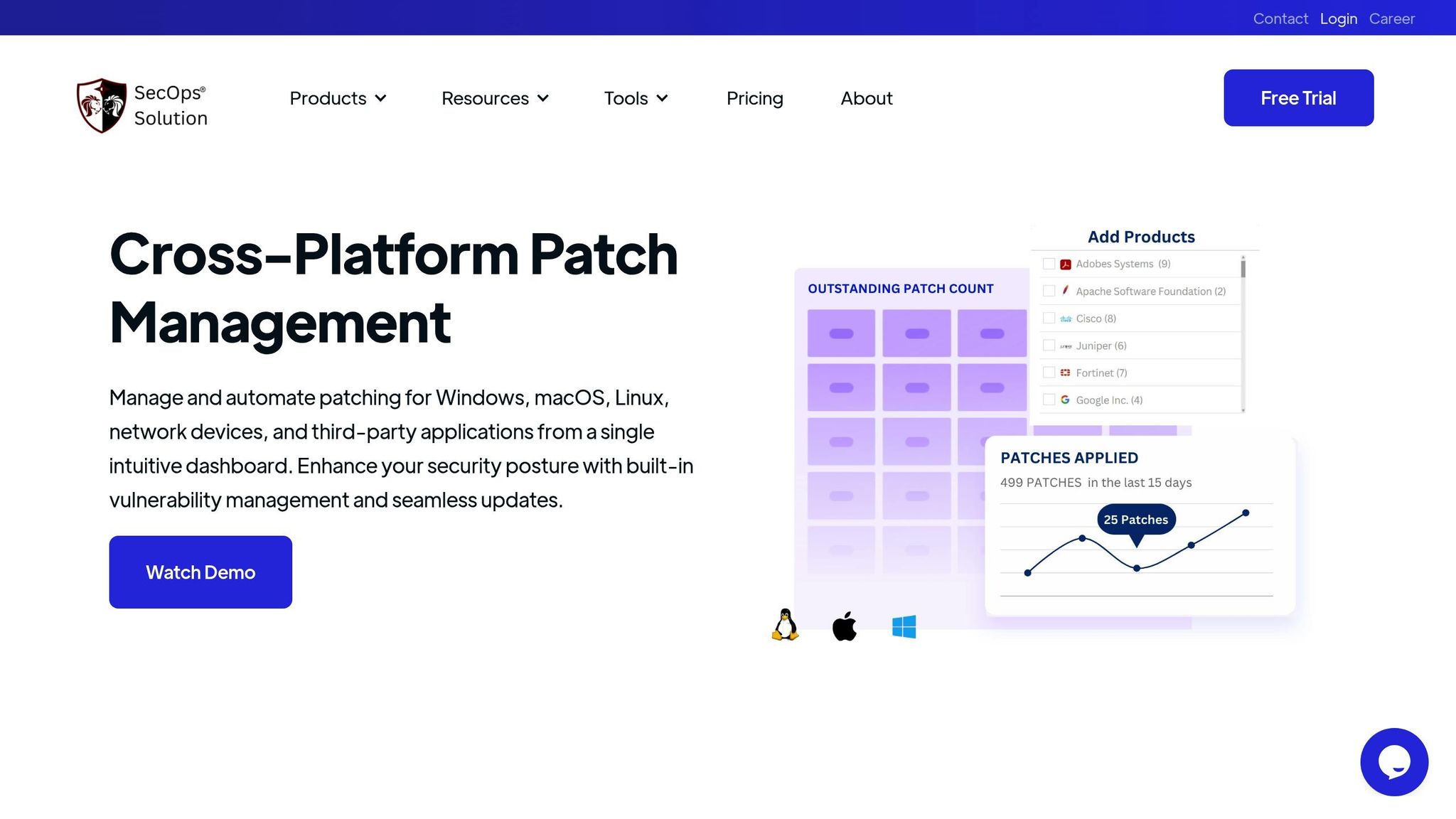
SecOps Patch Management wraps up our list as a solution built for organizations needing real-time visibility and automated compliance tracking across distributed environments. This cloud-based platform excels in managing patches, even for remote or intermittent endpoints. One multinational company, for instance, cut patch deployment time by 60% and reached over 95% compliance within just a month of implementation. Its ability to support a wide range of operating systems and applications makes it a versatile choice for diverse IT environments.
Supported Platforms (Windows, macOS, Linux, Third-Party Apps)
SecOps Patch Management is designed to handle the complexities of mixed environments, ensuring every endpoint is accounted for. It supports Windows, macOS, Linux, and a variety of third-party applications, including Adobe Creative Suite, web browsers, Java runtime, and productivity tools.
The platform automatically detects installed software across all supported systems, making it an asset for organizations working with traditional desktops, virtual private servers, or dedicated server setups. With SecOps, there’s no need for separate tools to manage patches across different operating systems, simplifying the process significantly.
Automation Level (Automated Deployment, Scheduling, and Policies)
This platform takes the hassle out of patching with full automation. IT teams can schedule updates during maintenance windows, establish pre-approval workflows for critical patches, and set policies to prioritize security updates while delaying less urgent ones to off-peak hours.
Policy-based management lets organizations tailor their patching strategies based on device types, user groups, or the importance of the systems. The platform identifies missing patches, assesses their urgency, and deploys them according to pre-set rules. Plus, its rollback feature ensures any problematic patches can be reversed quickly, minimizing downtime.
Reporting and Compliance Features
SecOps Patch Management offers real-time, audit-ready reports that detail patch histories and highlight non-compliant endpoints. These features help organizations meet standards like HIPAA, PCI DSS, and SOX.
IT teams can easily showcase compliance with security policies and generate high-level summaries that track patching trends and overall compliance metrics over time – ideal for executive reviews or audits.
Integration with Existing IT Infrastructure
The platform seamlessly integrates with key tools like Active Directory, SIEM, and ITSM platforms via APIs. It works across environments using Serverion’s VPS, dedicated servers, and colocation services, ensuring centralized and consistent patch management.
For organizations relying on Serverion’s infrastructure, SecOps extends its capabilities to both on-premises and hosted systems. API integrations enable automated data sharing and centralized alerts, aligning patch management processes with broader IT and security operations. This ensures smooth workflows and consistent monitoring across the board.
Tool Comparison Chart
Here’s a breakdown of various tools to help you assess their features and find the best fit for your IT needs.
| Tool Name | Supported Platforms | Automation Level | Third-Party App Support | Reporting & Compliance Features | Key Features |
|---|---|---|---|---|---|
| ManageEngine Patch Manager Plus | Windows, macOS, Linux | Policy-based automation with manual override | Extensive range, including productivity and security apps | Real-time dashboards, compliance reports, patch tracking | Policy governance, modular IT solutions, ITSM/SIEM integration |
| SecPod SanerNow Patch Management | Windows, macOS, Linux | Cloud-native deployment and scheduling | Broad third-party coverage | Compliance tracking, audit logs, customizable reports | Vulnerability management, endpoint security integration |
| ITarian | Windows, Linux | Policy-based patching | 400+ third-party applications | Patch history tracking, endpoint health monitoring | Free for up to 50 endpoints, RMM, enterprise service management |
| SolarWinds Patch Manager | Windows, macOS, Linux | Automated patching with policy controls | Major application support | Network and server monitoring reports | WSUS/SCCM integration, infrastructure management focus |
| Ivanti Patch Management | Windows, macOS, Linux | Automated workflows with rollback | 3,000+ third-party applications | Audit dashboards, compliance tracking | Vulnerability management, security operations integration |
| Automox | Windows, macOS, Linux | Cloud automation with Worklets scripting | Unified OS and third-party patching | Real-time compliance tracking, browser-based dashboards | Cloud-native architecture; pricing starts at $1/endpoint/month |
| Syxsense | Windows, macOS, Linux | AI-powered deployment and scheduling | Comprehensive application support | Real-time reporting, compliance dashboards | Zero-touch deployment, endpoint management integration |
| GFI LanGuard | Windows, macOS, Linux | Semi-automated with manual options | Common application support | Security auditing, vulnerability scanning reports | On-premises focus, network security scanning |
| Kaseya VSA | Windows, macOS, Linux | MSP-focused policy management | Broad third-party support | ITSM integration, asset management reporting | Integrated MSP platform, remote monitoring capabilities |
| SecOps Patch Management | Windows, macOS, Linux | Automated deployment with rollback capabilities | Popular third-party apps | Real-time audit-ready reports, compliance metrics tracking | Cloud-based platform |
This chart highlights tools designed for a range of IT environments. For example, cloud-native solutions like Automox and SecOps Patch Management are great for distributed setups, with strong API integration for hybrid environments. Automox stands out with its straightforward pricing of $1 per endpoint per month, while ITarian offers a free tier for smaller deployments.
For organizations using Serverion’s VPS or dedicated servers, tools like SecOps Patch Management and SolarWinds Patch Manager provide robust API integration, ensuring smooth management across hybrid systems. Tools like Automox’s Worklets and ManageEngine’s policy governance allow for high levels of customization, catering to the complex needs of diverse IT setups.
Ultimately, this side-by-side comparison helps IT teams choose the right tool to enhance security and streamline management in hybrid and distributed environments.
Conclusion
Choosing the right cross-platform patch management tool depends on your organization’s size, infrastructure, and compliance requirements. For smaller businesses with limited IT teams, tools like ITarian and GFI LanGuard are excellent choices, offering essential automation without overburdening resources.
Mid-sized organizations often need more advanced capabilities and scalability. Solutions such as ManageEngine Patch Manager Plus and Automox stand out with their policy-driven automation and extensive third-party application support. Automox’s cloud-native design is particularly well-suited for organizations with distributed workforces.
In enterprise environments, where compliance and integration are critical, advanced tools are necessary. Ivanti Patch Management excels with its comprehensive support for third-party applications, automated workflows, and rollback features, making it ideal for complex infrastructures. SolarWinds Patch Manager integrates seamlessly with Microsoft WSUS and SCCM, while Kaseya VSA offers robust management tailored to MSPs operating across distributed networks.
For regulated industries, tools that provide detailed audit trails and automated reporting are essential. SecPod SanerNow and SecOps Patch Management focus on compliance tracking and real-time monitoring, ensuring organizations meet stringent regulatory requirements.
Looking ahead, cloud-native and AI-driven automation are shaping the future of patch management. Tools like Automox and Syxsense leverage these technologies to enable zero-touch deployment and intelligent remediation, reducing manual effort while enhancing security.
If your organization already uses Serverion’s hosting services, such as VPS or dedicated servers, consider tools with strong API integration like SecOps Patch Management or SolarWinds Patch Manager. These solutions ensure seamless management across hybrid environments, optimizing efficiency.
Evaluate your current infrastructure and future needs carefully. The right tool will offer automated deployments, detailed reporting, and smooth integration, helping your organization stay secure and ready for growth.
FAQs
What should I look for in a cross-platform patch management tool for my organization?
When choosing a cross-platform patch management tool, it’s essential to focus on factors that match your organization’s specific needs. Start with compatibility – make sure the tool works seamlessly with all the operating systems and devices in your network. This ensures no system is left unprotected. Look for features like automated updates, scheduling options, and detailed reporting. These functions can simplify the patching process while strengthening your overall security posture.
You’ll also want to assess the tool’s scalability and user-friendliness. A system that can grow alongside your organization and offers an easy-to-navigate interface can save time and reduce headaches for your IT team. Lastly, take a close look at its security features. It should align with your compliance standards and provide robust protection against vulnerabilities to keep your environment secure.
What are the advantages of using cloud-native patch management tools for remote and hybrid work setups?
Cloud-native patch management tools are a game-changer for remote and hybrid work setups. They let IT teams roll out updates and security patches effortlessly across devices, no matter where those devices are. This keeps systems secure and up-to-date without skipping a beat.
What’s more, these tools offer centralized control, giving administrators a single dashboard to oversee and manage the entire patching process in real time. This approach not only cuts down on downtime but also boosts productivity while reducing vulnerabilities across a distributed workforce. Since they’re cloud-based, they work seamlessly with different operating systems and platforms, making life easier for diverse teams.
Why is support for third-party applications crucial in patch management tools, and how does it improve security?
Support for third-party applications plays a key role in patch management tools. Many organizations depend on a diverse array of software, not just their operating systems. Keeping these applications updated with the latest patches is crucial for closing security loopholes, reducing vulnerabilities, and defending against potential exploits.
By ensuring third-party software is patched, these tools strengthen overall system security and help lower the chances of data breaches or malware infiltrations. This thorough approach keeps your IT environment secure and current across all platforms and applications.







