

NGINX Config Beyond the Basics: Serverion’s Take on Lua Scripting Secrets

NGINX with Lua scripting is a game-changer for managing high-traffic websites. It allows you to go beyond basic setups by adding dynamic request handling, custom caching, and advanced security. Here’s what you need to know:
- Why Lua with NGINX? Lua scripting integrates seamlessly with NGINX for tasks like intelligent routing, real-time security checks, and performance tuning.
- Key Benefits: Faster response times with LRU caching, dynamic SSL management, and real-time data handling.
- Setup Steps: Install OpenResty, test Lua functionality, and start adding scripts for caching, routing, and security.
- Use Cases: Block malicious payloads, validate headers, and optimize performance during traffic spikes.
In short, Lua scripting transforms NGINX into a flexible, high-performance tool for enterprise-level hosting. Ready to unlock its full potential? Dive into the article for step-by-step guidance and advanced techniques.
Write Your Own Lua Modules in OpenResty/Nginx Applications
Setup Requirements
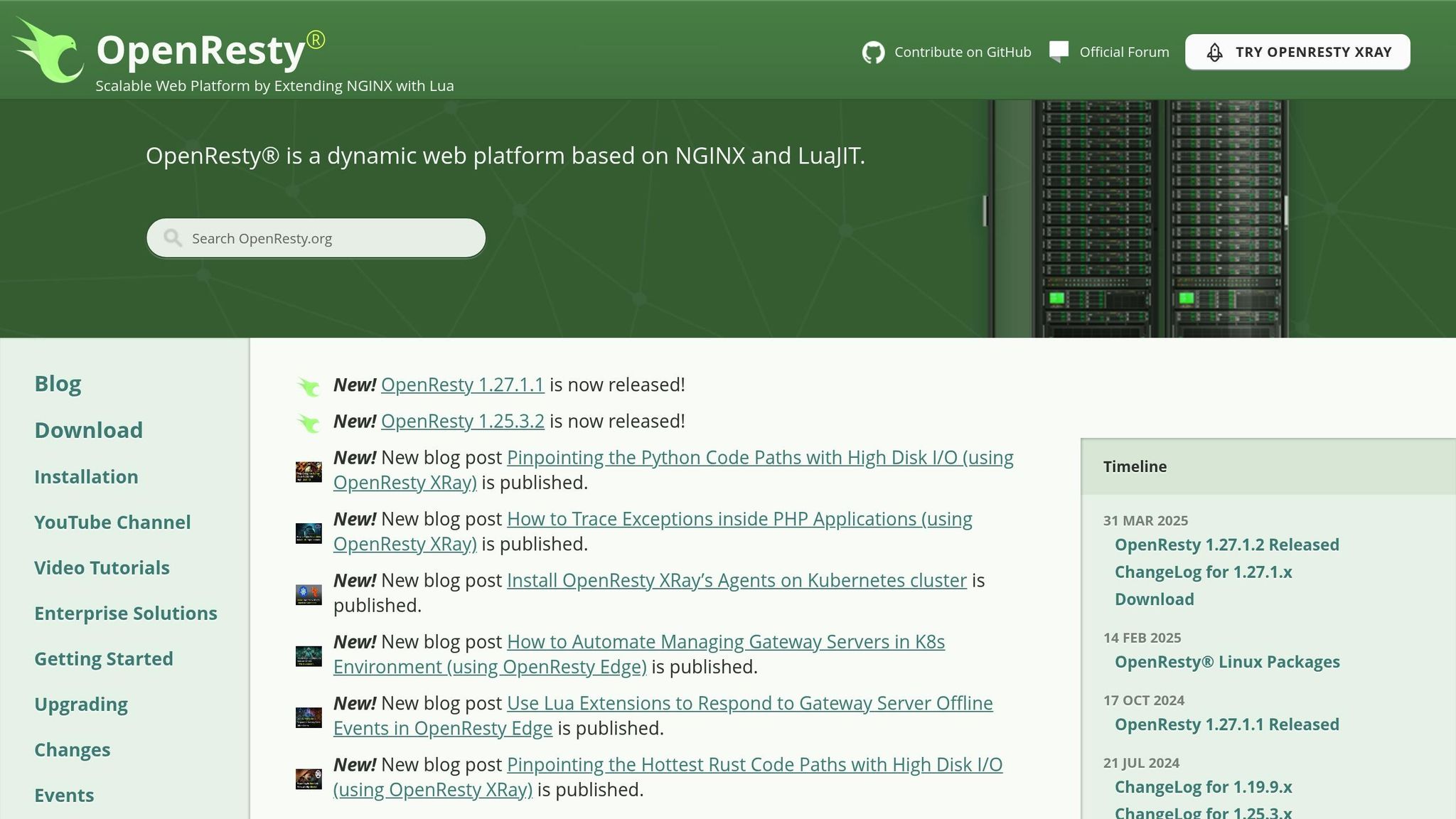
Make sure your NGINX installation supports Lua. If it doesn’t, you’ll need to install OpenResty, which includes NGINX and LuaJIT.
NGINX-Lua Installation Steps
- Step 1: Add the OpenResty or NGINX-Lua repository for your operating system (Amazon Linux, Debian/Ubuntu, RHEL/CentOS).
- Step 2: Update your package index and install the required package from the repository.
- Step 3: Restart NGINX to apply the changes.
- Step 4: Test if Lua is working by reloading NGINX and visiting
/lua_test. The following block should return a test message:
location /lua_test { content_by_lua_block { ngx.say("NGINX Lua module is working!") } } Once verified, move on to configuring your container-based deployment.
Lua Scripts for NGINX
Use Lua scripts in NGINX to improve performance, implement custom logic, and enhance security. These scripts can handle tasks like caching, request routing, and threat mitigation.
Speed Optimization Scripts
Create an LRU cache with resty.lrucache to reduce upstream load and improve response times during high traffic:
local lrucache = require "resty.lrucache" local cache, err = lrucache.new(200) -- Capacity for 200 items if not cache then ngx.log(ngx.ERR, "Failed to create cache: ", err) return end local value = cache:get(ngx.var.request_uri) if value then ngx.say(value) return end -- Logic for cache miss goes here This script helps manage frequently accessed data efficiently.
Custom Logic Scripts
Use Lua to validate headers and route requests directly at the edge:
access_by_lua_block { local headers = ngx.req.get_headers() -- Check for a custom authentication token local auth_token = headers["X-Custom-Auth"] if not auth_token then ngx.status = 401 ngx.say("Authentication required") return ngx.exit(401) end -- Add a routing header ngx.req.set_header("X-Service-Route", "primary") } This approach ensures dynamic control over headers and enforces access policies at the edge.
Security Scripts
Block malicious attempts, like JNDI payloads, by scanning headers for specific patterns:
local function check_malicious_payload(headers) for key, value in pairs(headers) do if type(value) == "string" and value:lower():find("jndi:") then ngx.log(ngx.WARN, "Blocked JNDI attempt from ", ngx.var.remote_addr) return true end end return false end access_by_lua_block { local headers = ngx.req.get_headers() if check_malicious_payload(headers) then return ngx.exit(403) end } This script was widely implemented after the Log4Shell vulnerability surfaced in December 2021.
To use external Lua modules, include the lua_package_path directive in the http block:
http { lua_package_path "/usr/local/lib/lua/?.lua;;"; } Additionally, log script activity in NGINX to monitor performance and troubleshoot potential issues effectively.
sbb-itb-59e1987
Enterprise Solutions
Lua scripting in NGINX offers powerful tools to tackle enterprise-level challenges, focusing on performance, custom logic, and security.
Multiple Site Management
With Lua, NGINX can handle site-specific settings dynamically using shared memory zones. By defining a lua_shared_dict zone and initializing configurations in init_by_lua_block, you can adjust parameters like rate limits or cache durations on the fly – no need to reload the entire server.
SSL Certificate Management
Streamline SSL/TLS certificate rotation and renewal with Lua scripts. These scripts can load certificate and key files into a shared-memory cache and use a periodic timer to refresh the cache. This ensures NGINX consistently serves valid certificates without requiring manual intervention.
Serverion Platform Integration

Lua modules can enhance Serverion’s platform by enabling real-time monitoring and auto-scaling. For example, a module loaded with init_worker_by_lua_block can monitor system metrics like memory usage and CPU load. It can issue warnings or trigger scaling actions when certain thresholds are reached, ensuring reliable performance across all hosting plans – VPS, dedicated, or enterprise.
Lua scripting combined with NGINX delivers a flexible and efficient solution for managing complex hosting setups, balancing performance and security seamlessly.
Next, dive into advanced Lua techniques and learn how to address common challenges in our Advanced Techniques section.
Advanced Techniques and Fixes
Building on enterprise integration, this section dives into advanced Lua scripting methods and addresses common challenges. These insights can improve module loading, data handling, and overall system resilience.
Advanced Lua Methods
Using Lua with NGINX allows for powerful extensions like LRU caching and external data access. These techniques expand NGINX’s capabilities without compromising its performance or stability.
Common Problems and Solutions
High-traffic enterprise environments often come with unique challenges. Here’s how to handle some of the most frequent ones:
- Use shared dictionaries efficiently to avoid storage issues during traffic spikes.
- Configure logging to capture only slow requests by setting duration thresholds.
- Temporarily cache error responses to prevent repeated backend failures.
- Leverage
nginx-lua-prometheusto export real-time metrics like latency, error rates, and cache performance.
Conclusion
Serverion’s integration of NGINX with Lua brings advanced customization and performance to the table. The techniques discussed, such as LRU caching and dynamic SSL management, showcase how these tools work together to deliver efficient and flexible solutions.
Lua scripting offers three key benefits: efficient LRU caching, real-time data handling with external stores, and streamlined resource management using lua_package_path. By caching frequently accessed data directly in NGINX, response times improve while reducing backend strain. Real-time data processing through external sources ensures performance remains intact, and well-structured module configurations keep the code clean and efficient.
As applications grow and change, NGINX-Lua’s flexibility ensures that Serverion platforms continue to meet new challenges while maintaining top-tier performance.







