

Best Practices for Cloud Storage API Integration

Integrating cloud storage APIs can simplify file management, improve app performance, and enhance data security. Here’s what you need to know:
- Key Functions: Automate file transfers, manage metadata, organize folders, and control access permissions.
- Common Challenges: Address issues like slow response times, security vulnerabilities, and scaling complexities.
- Solutions: Use SDKs, optimize file transfers with chunking and compression, implement robust security measures (e.g., TLS, encryption), and plan for scalability with microservices and caching.
Quick Tips:
- Reuse SDK instances to improve efficiency.
- Use exponential backoff for retries.
- Secure APIs with OAuth 2.0, encryption, and role-based access controls.
- Monitor performance and set alerts for anomalies.
Using Google Cloud Storage API in Python For Beginners
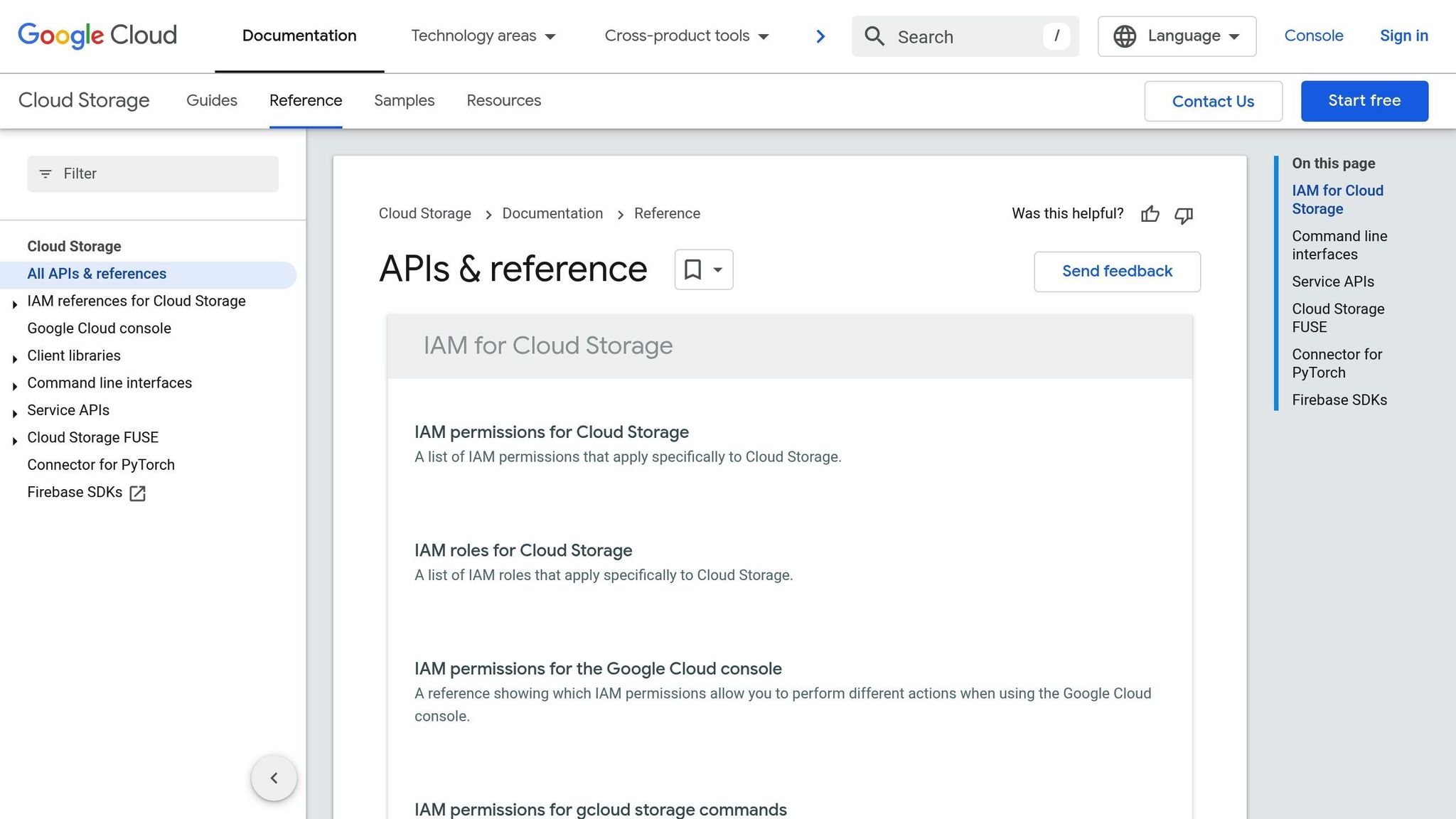
API Integration Challenges
Integrating cloud storage APIs can affect both performance and reliability. Below, we’ll break down some common challenges and provide actionable solutions.
Speed and Response Time Issues
Network latency and API response times play a big role in how well your application performs. Here are some common hurdles:
- Large File Transfers: Moving massive files can lead to timeouts.
- Concurrent Requests: Handling many API calls at once can strain system resources.
- Geographic Distance: When data centers are far from users, latency becomes more noticeable.
To address these, try splitting large files into smaller chunks, using connection pooling, and choosing data centers closer to your users.
Security Vulnerabilities
APIs come with security risks that need attention. Key areas include:
- Authentication Weaknesses: Poor management of API keys and tokens can open doors to attacks.
- Data Exposure: Unencrypted transfers and weak access controls leave data at risk.
- Rate Limiting: Without proper safeguards, APIs can fall victim to DDoS attacks or abuse.
Strengthen your security by rotating API keys regularly, using TLS encryption for all transfers, and enforcing rate limits to block malicious activity while accommodating legitimate users.
Growth and System Compatibility
Scaling your system can bring added complexity to API integration:
- Version Management: Supporting multiple API versions while ensuring older integrations still work.
- Cross-Platform Issues: Making sure APIs function consistently across various operating systems and frameworks.
- Resource Scaling: Handling increased storage and bandwidth needs as your system grows.
To tackle these, consider using containerization, microservices, and caching strategies to isolate API versions and efficiently handle resource demands.
| Challenge Area | Impact | Recommended Solution |
|---|---|---|
| Response Time | Latency caused by network conditions | Implement edge caching and use CDNs |
| Security | Risk of data breaches | Regular key rotation and TLS encryption |
| Scalability | System bottlenecks during growth | Use containerization and microservices |
Planning for these challenges upfront can help ensure your API integration remains stable and performs well over time.
API Integration Guidelines
Let’s refine cloud storage API integration with practical methods.
Using SDKs and Code Libraries
Cloud storage APIs often provide SDKs to simplify integration. Here’s what to keep in mind:
- Choose SDKs that align with your tech stack and offer long-term support.
- Review the SDK’s documentation for clarity and check for active community support.
- Ensure the SDK receives regular updates to address bugs and compatibility issues.
Tip: Reuse a single SDK instance to improve efficiency.
# Bad practice def each_request(): sdk = CloudStorageSDK() # Creates a new instance for every request # Good practice sdk = CloudStorageSDK() # Reuse a single instance def each_request(): sdk.process() Configure Retry Logic: Use exponential backoff for retries. Start with a 100ms delay, retry up to 3-5 times, and cap the delay at 5 seconds.
Error Management Methods
Handling errors effectively is key to smooth API integration. Here’s a quick guide:
| Error Type | Handling Approach | Recovery Action |
|---|---|---|
| Network Timeout | Use exponential backoff | Retry with gradually increasing delay |
| Rate Limiting | Queue requests | Space out requests systematically |
| Authentication | Refresh tokens | Automatically renew expired credentials |
| Storage Full | Monitor capacity | Scale storage or clean up space |
Key Practices for Error Management:
- Log API errors with unique IDs and set up alerts for unusual activity, like sudden rate spikes.
- Create fallback mechanisms to ensure critical operations can continue.
- Use circuit breakers to temporarily halt processes when too many errors occur.
Data Transfer Improvements
Efficient data transfer can significantly enhance performance. Here’s how to optimize it:
1. Implement Chunked Uploads
Split large files into smaller parts (around 5-10MB). This approach allows for resuming uploads, tracking progress, and even parallel processing.
2. Use Compression Wisely
Apply compression based on file type to save bandwidth:
- Text files: Use gzip for better compression.
- Images: Optimize using format-specific methods.
- Binary files: Assess whether compression benefits outweigh CPU usage.
3. Enable Transfer Acceleration
Speed up transfers by leveraging advanced techniques:
- Use content delivery networks (CDNs) for faster uploads.
- Opt for multipart uploads for files exceeding 100MB.
- Activate transfer acceleration endpoints to reduce latency.
Next, we’ll explore how to secure your API integration effectively.
sbb-itb-59e1987
API Security Standards
Protecting cloud storage APIs requires multiple layers of security. Here’s how to establish a solid defense.
Access Control Methods
Authentication and authorization are key to API security. Here are some effective strategies:
Token-Based Authentication
- Use JSON Web Tokens (JWT) with short expiration times (15-30 minutes).
- Implement OAuth 2.0 for third-party integrations.
- Secure refresh tokens with strong encryption.
Role-Based Access Control (RBAC)
Assign permissions based on user roles to limit access effectively:
| Access Level | Permissions | Use Case |
|---|---|---|
| Read-only | GET requests only | Data analysis, reporting |
| Standard | GET, POST, PUT | Regular operations |
| Admin | All operations | System management |
| Service | Limited scope | Automated processes |
Data Protection Techniques
Keep your data safe at every stage with these methods:
1. Transport Layer Security
- Enforce TLS 1.3 for all API communications.
- Use certificate pinning for mobile apps.
- Enable HTTP Strict Transport Security (HSTS) to prevent protocol downgrades.
2. Encryption Standards
- Protect data at rest with AES-256 encryption.
- Use end-to-end encryption for sensitive information.
- Rotate encryption keys every 90 days to minimize risks.
3. Data Validation
- Sanitize all input data before processing to prevent injection attacks.
- Validate file types and sizes before accepting uploads.
- Apply rate limiting based on user roles to prevent abuse.
Security Monitoring
Continuous monitoring ensures potential threats are detected and addressed promptly.
Real-time Monitoring
- Analyze API usage patterns to spot anomalies.
- Keep an eye on response times and error rates.
- Set alerts for unusual or suspicious activities.
Security Logging
Logging is essential for tracking and auditing API interactions:
| Log Type | Retention Period | Key Metrics |
|---|---|---|
| Access Logs | 90 days | IP addresses, user agents |
| Error Logs | 30 days | Stack traces, error codes |
| Audit Logs | 1 year | User actions, changes |
| Security Events | 2 years | Authentication attempts |
Vulnerability Management
- Perform regular penetration tests to identify weaknesses.
- Use automated tools for security scanning.
- Keep your systems updated with the latest security patches.
These practices provide a strong framework to secure your API integrations effectively.
Serverion‘s API Integration Support
Serverion is designed to meet the demands of secure and efficient API integrations with hosting solutions built around strong security and integration practices.
Serverion Hosting Options
Serverion offers a range of hosting services, including VPS, Dedicated Hosting, AI GPU Hosting, and Blockchain Masternode Hosting. Each option is designed to deliver top-tier performance, adaptability, and security, making them ideal for API integration needs.
Serverion Security Features
- DDoS Protection: Shields your network from attacks to ensure uninterrupted service.
- Advanced Security Measures: Includes hardware and software firewalls, automatic updates, continuous monitoring, and encrypted API data transfers.
- Data Protection: Regular backups and snapshots ensure quick recovery in case of data loss.
Data Center Network
Serverion operates a network of global data centers, enhancing performance, connectivity, and flexibility for API integration projects.
Summary
Here’s a quick overview of the key practices for cloud storage API integration and the steps to move forward effectively.
Core Practices to Follow
Integrating a cloud storage API successfully depends on a few critical practices that boost both performance and security:
- Use Official SDKs: Rely on official SDKs and libraries to simplify development.
- Handle Errors Effectively: Set up strong error handling with proper logging.
- Optimize Performance: Implement methods like data compression, caching, and batch processing.
- Strengthen Security: Use multi-layer security with OAuth 2.0, encryption, and regular audits.
Steps to Take Next
- Evaluate Your System: Review your current system’s architecture and document needs like storage capacity, speed, and security.
- Plan Your Integration: Create a phased roadmap that includes:
- Setting up development and testing environments
- Establishing basic API connectivity
- Adding security measures
- Fine-tuning performance
- Building monitoring systems
- Stay on Top of Maintenance: Schedule regular tasks such as:
- Weekly security audits
- Monthly performance reviews
- Quarterly API version checks
- Bi-annual disaster recovery drills







