

How Open-Source Audit Tools Improve Compliance

Open-source audit tools are reshaping compliance management by offering cost-effective, transparent, and customizable solutions for organizations of all sizes. These tools help businesses meet regulatory requirements, reduce costs, and transition from periodic audits to continuous compliance.
Key takeaways:
- Cost savings: Avoid recurring licensing fees common with proprietary tools.
- Transparency: Access to source code enables customization and validation.
- Automation: Continuous monitoring identifies risks and ensures compliance in real-time.
- Community support: Thousands of contributors enhance tools with updates, templates, and shared resources.
- Popular tools: Examples include OpenSCAP, Open-AudIT, OWASP Dependency-Check, and Lynis.
Compliance is Broken: The DevOps Revolution for Audit & Controls (Stop Spreadsheets!)
Benefits of Open-Source Audit Tools for Compliance
Open-Source Audit Tools: Cost Savings and Compliance Impact Statistics
Lower Costs and Easy Access
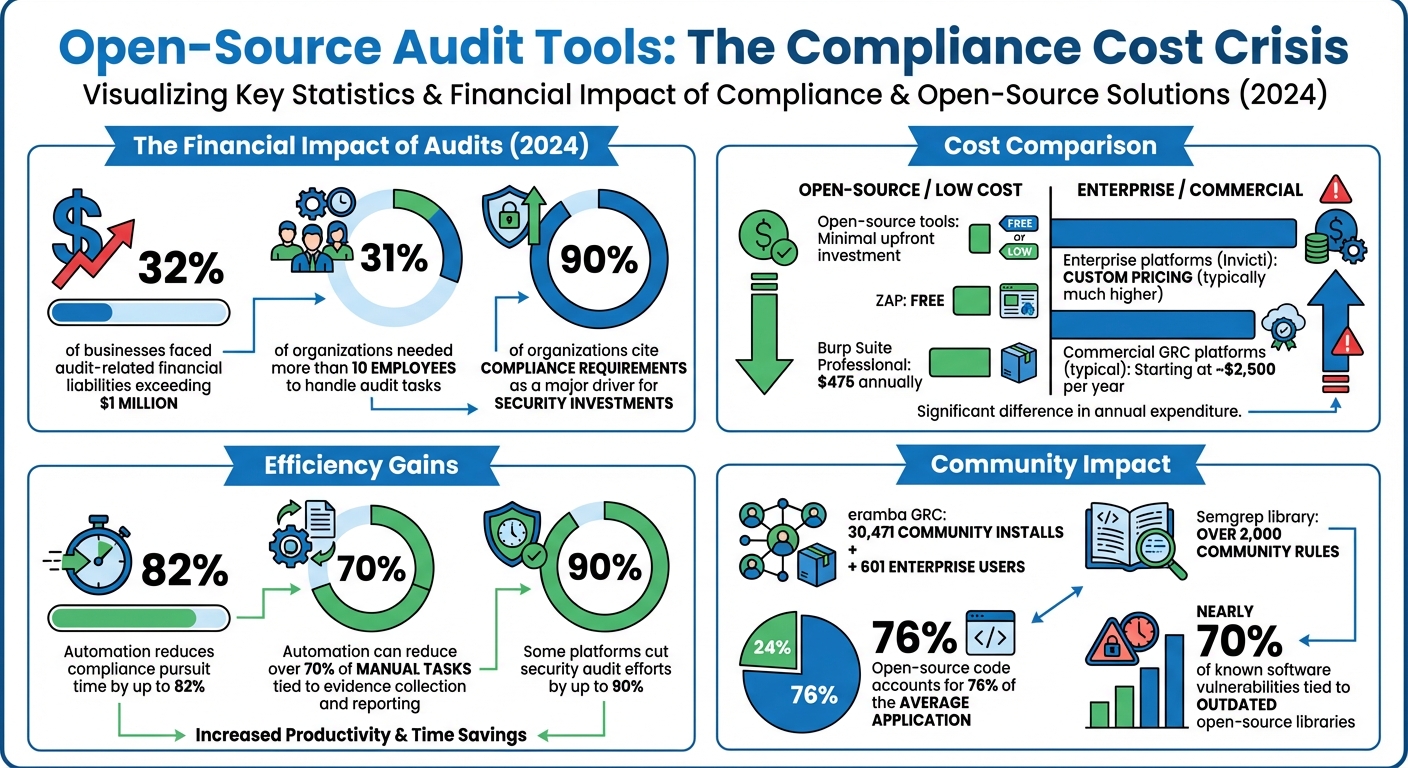
Open-source audit tools can significantly reduce costs by eliminating recurring licensing fees, a common expense with proprietary systems. Unlike commercial platforms that often charge per user or application, open-source tools usually require minimal upfront investment. This is especially important considering that in 2024, 32% of businesses faced audit-related financial liabilities exceeding $1 million, and 31% of organizations needed more than 10 employees to handle audit tasks.
"Nothing completely removes implementation costs — no matter how much the software costs, someone needs to install and configure it. But with open source tools, the initial budget hit is small and requires little or no upfront investment." – Ed Moyle, SecurityCurve
For organizations with technical expertise, this cost advantage allows for greater budget flexibility. For instance, ZAP offers a free and highly capable alternative, whereas proprietary tools like Burp Suite Professional cost $475 annually, and enterprise platforms like Invicti require custom pricing agreements.
Beyond the cost savings, open-source tools provide a level of transparency and adaptability that proprietary solutions simply cannot match.
Transparency and Custom Configuration
Open-source tools offer complete access to their source code, eliminating the "black box" problem found in proprietary software. This means teams can verify security claims, customize policies to meet specific compliance needs, and even modify the code to align with unique workflows. For example, the OpenSCAP project, which earned SCAP 1.2 certification from NIST in 2014, allows administrators to tailor security policies and configurations to suit their organization’s size and requirements.
Transparency isn’t just about visibility – it’s also about adaptability. Tools like Puppet enable teams to define compliant configurations as code, allowing for custom exceptions that maintain flexibility without compromising security. When compliance demands don’t align with standard templates, these tools can be adjusted to fit your operations, rather than forcing your operations to conform to the tool.
Community Support and Collaborative Development
Another key benefit of open-source tools is the strong community support that drives their development and improvement. With thousands of contributors, these tools are continuously refined to meet the needs of a wide range of users, from small businesses to government agencies. The eramba GRC community is a great example, with 30,471 community installs and 601 enterprise users, showcasing how shared knowledge can reduce the workload for individual organizations.
"The real fuel that keeps eramba running and improving is its global community of users that leverage our simple and open code, documentation, forum, release planning and business model." – eramba
Community-driven repositories also provide valuable resources like pre-built GRC templates, control mappings, and questionnaires – resources that would otherwise require costly professional services. For instance, Semgrep’s library includes over 2,000 community rules, making it easier and faster to develop internal audit policies. This collaborative approach ensures that security features are tested in real-world scenarios and updated frequently, guided by feedback from GRC professionals around the world.
Open-Source Audit Tools for Enterprise Compliance
Choosing the right audit tool depends on the assets you need to monitor and the compliance frameworks your organization must follow. Each tool serves a specific purpose, from network discovery to system hardening and vulnerability tracking.
Open-AudIT
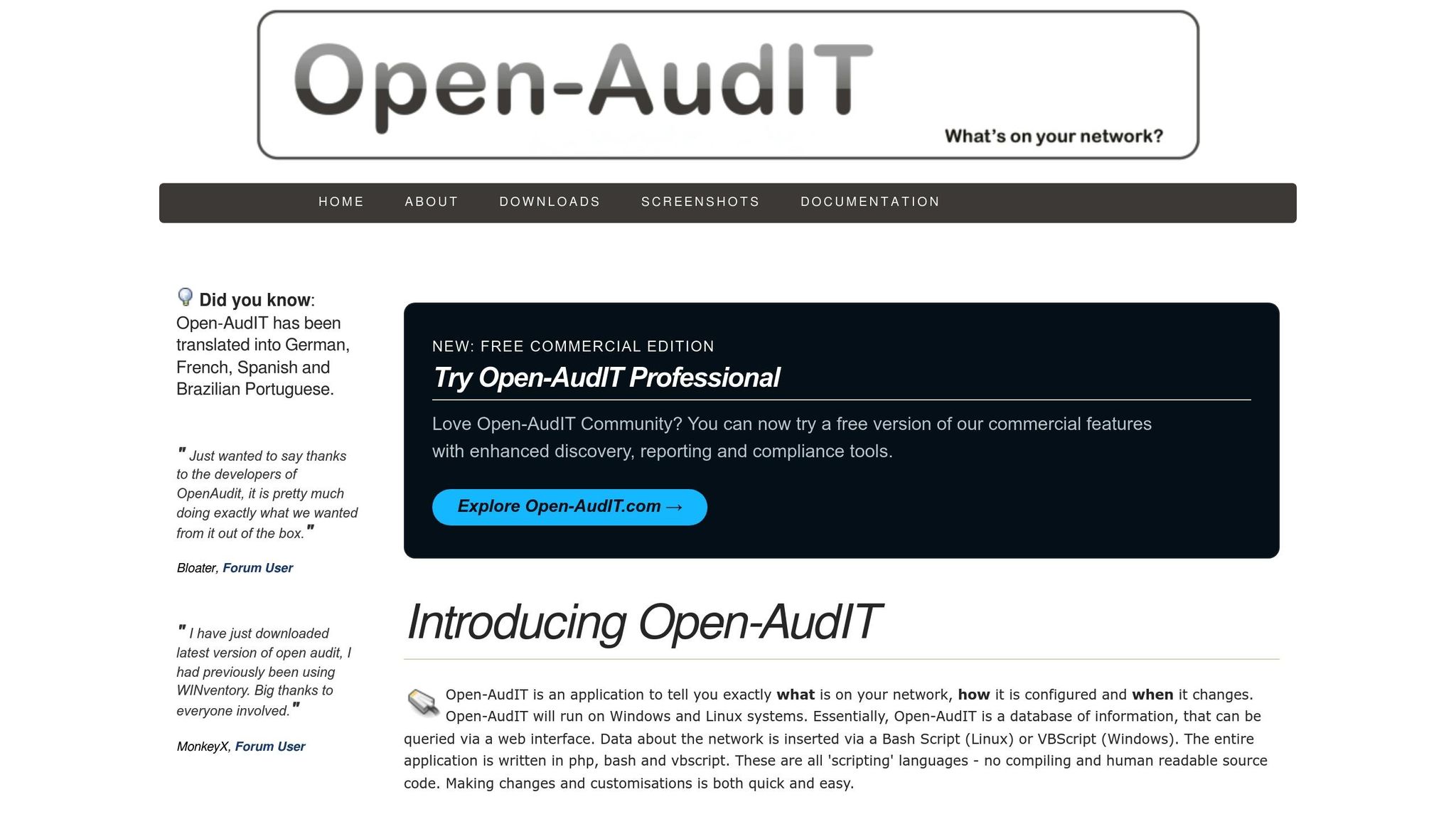
Open-AudIT provides automatic discovery of all devices on your network – servers, workstations, virtual machines, network equipment, and endpoints – offering a clear view of your IT environment. It helps track configuration changes by comparing current states to "golden configurations", making it easier to detect unauthorized modifications before they lead to compliance violations.
The platform generates reports tailored to frameworks such as NIST CSF, PCI DSS, CIS, and Essential Eight. With a web-based interface and JSON API, Open-AudIT supports integration into existing workflows. It relies on Nmap for network discovery and requires a web server (Apache or IIS), PHP, and MySQL to function.
"The commercial versions enable larger organizations to meet evolving compliance requirements (including security compliance), manage complex networks, and integrate Open‑AudIT into business‑critical workflows." – Open-AudIT
Open-AudIT is available as a free open-source edition under the AGPL license, with commercial Enterprise versions offering advanced features and dedicated support for organizations managing large-scale compliance needs.
ADAudit Plus
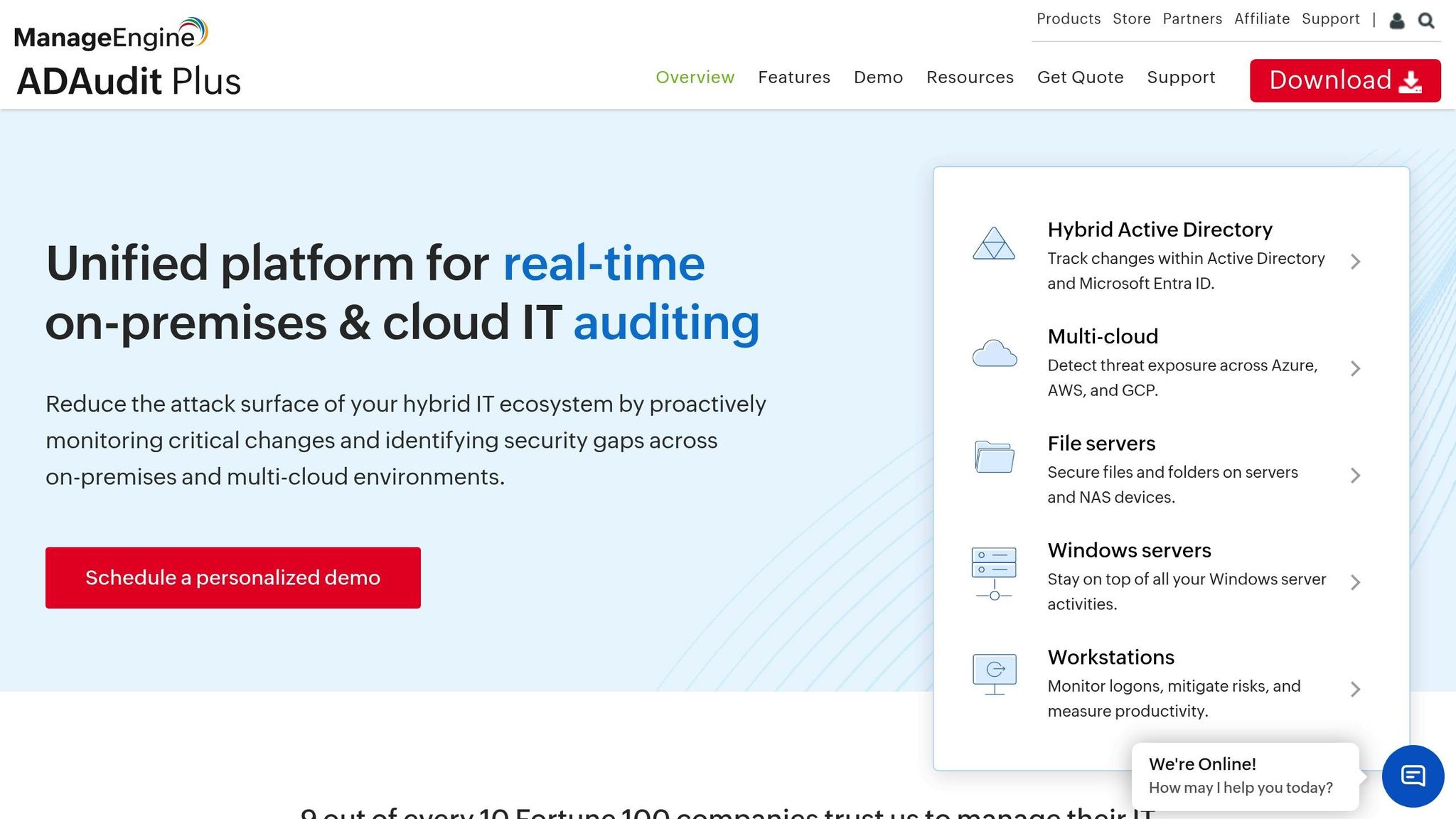
ADAudit Plus focuses on tracking changes in Active Directory to ensure control over access and privileged user activities. It generates audit reports aligned with compliance standards like SOX, HIPAA, and GDPR, providing detailed logs of who made changes and when – an essential feature for enterprises needing to demonstrate regulatory compliance.
OpenSCAP
OpenSCAP, certified under SCAP 1.2, is designed to meet federal standards such as FISMA. It automates compliance scanning for Unix-based systems, containers, and virtual machines, using the Security Content Automation Protocol (SCAP) to check against security baselines and hardening guides.
The tool offers multiple components:
- OpenSCAP Base: A command-line tool for individual system scans.
- SCAP Workbench: A graphical interface for creating custom security profiles.
- OpenSCAP Daemon: Provides continuous monitoring for entire infrastructures, including bare metal servers, virtual machines, and containers.
"No single tool fits every use case. Whether you want to scan just a single system or manage compliance of an entire cluster, we have the right tool for you!" – OpenSCAP
For larger environments, SCAPTimony centralizes scan results and integrates with platforms like Red Hat Satellite or Foreman. OpenSCAP is fully open source and supported by community-created hardening guides, eliminating the need to build security policies from scratch.
OWASP Dependency-Check
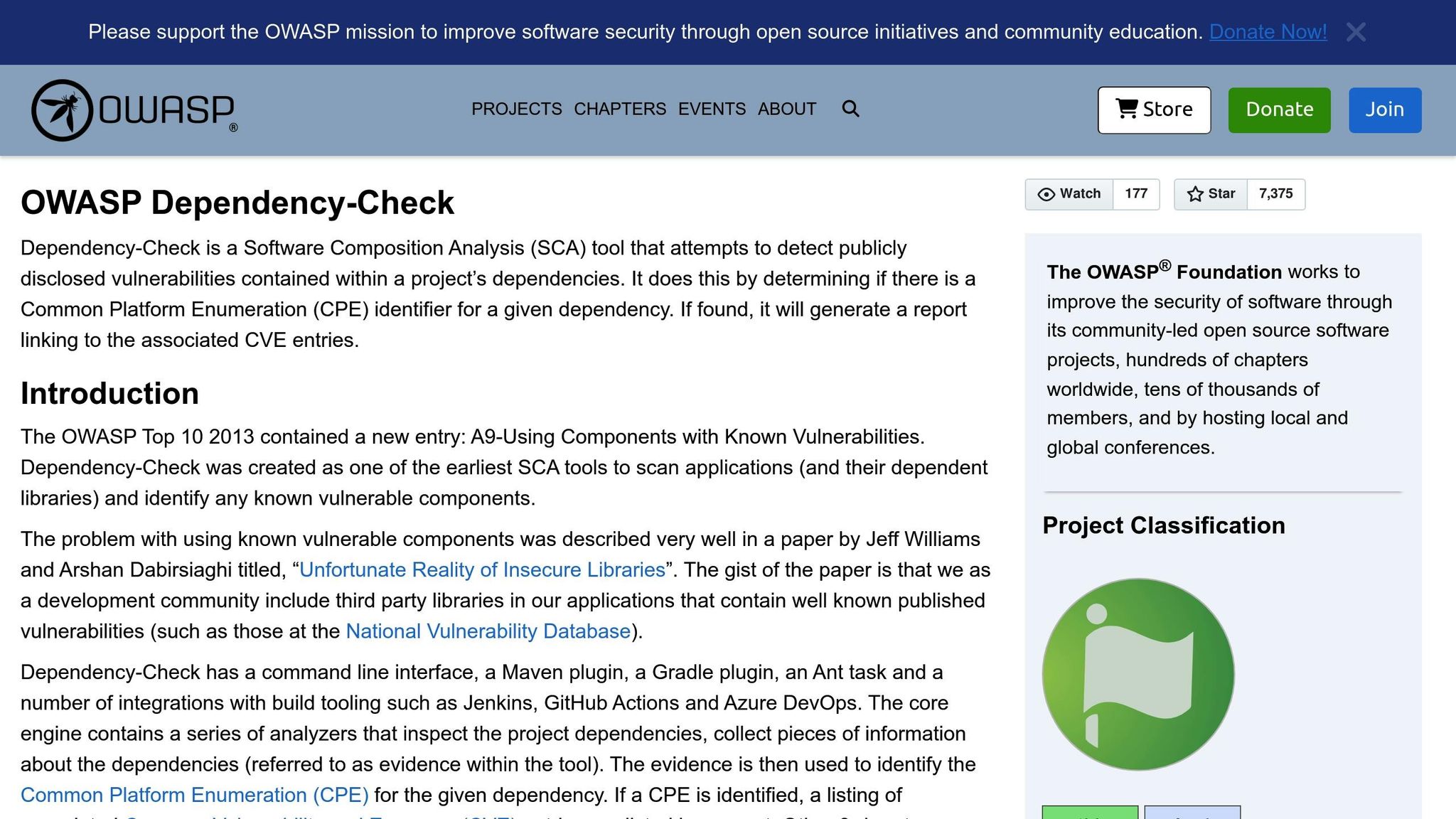
OWASP Dependency-Check scans software dependencies to identify vulnerabilities in third-party libraries and components. This is crucial for meeting compliance requirements that mandate vulnerability management for all software, not just internally developed code. The tool cross-references dependencies with the National Vulnerability Database (NVD) and other sources, producing reports that outline security flaws and recommend updated versions – helping ensure compliance.
Lynis
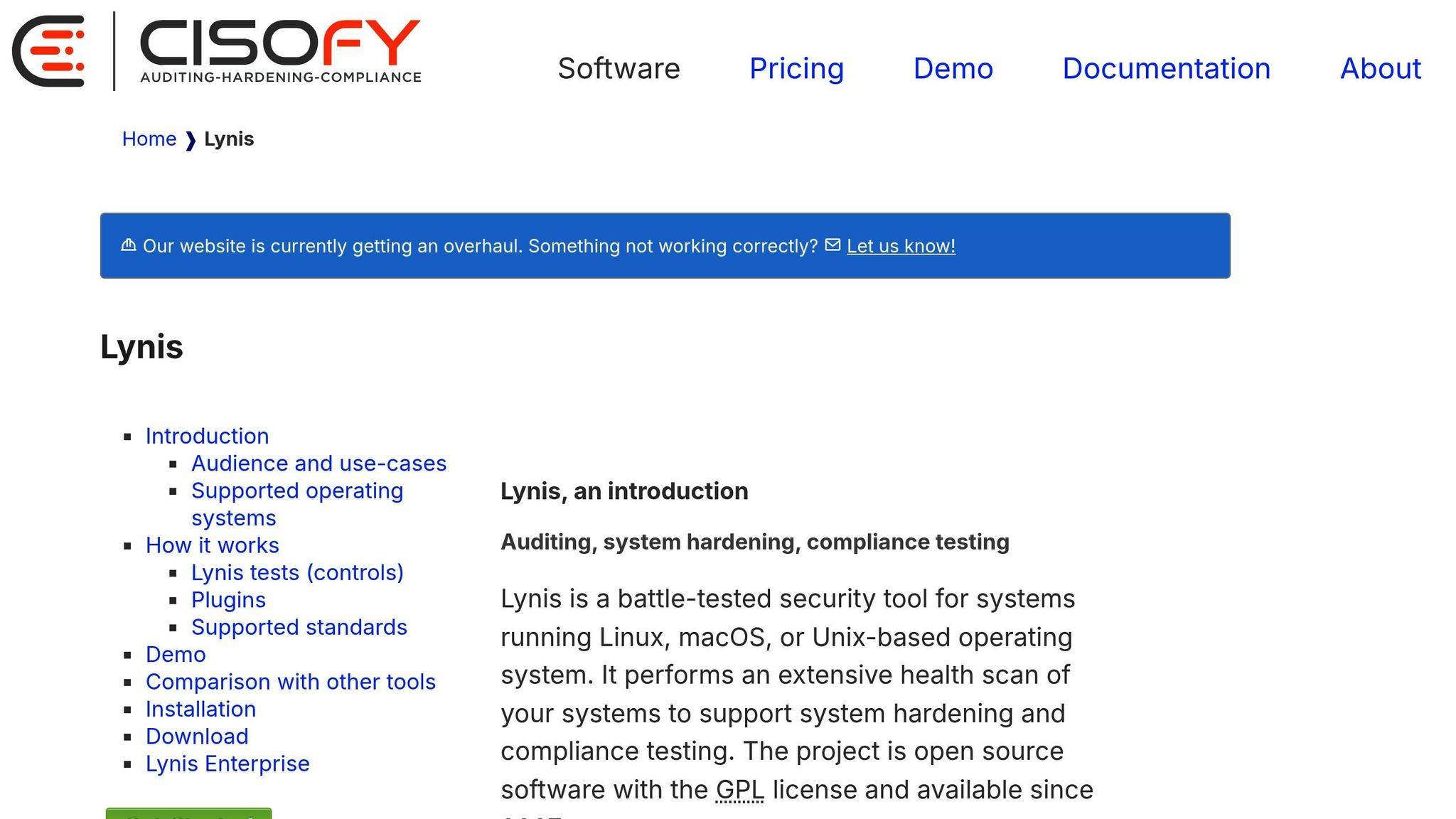
Lynis is a security auditing and compliance tool for Unix-based systems, including Linux, macOS, and BSD variants. It performs extensive security checks, covering areas like system hardening, file permissions, running services, kernel parameters, and overall security configurations.
After each scan, Lynis provides a security score along with detailed recommendations for improving system security and achieving compliance. Operating entirely from the command line, Lynis requires no installation, making it easy to deploy across multiple systems for consistent auditing and continuous compliance.
These tools showcase a variety of approaches to compliance management. Up next, explore how to seamlessly integrate them into your existing systems.
How to Implement Open-Source Audit Tools
Identify Your Compliance Requirements
Start by pinpointing the regulatory standards that apply to your organization. For example, healthcare organizations must address HIPAA/HITRUST, financial institutions deal with PCI DSS/SOC 1, technology companies often follow SOC 2/ISO 27001, and government contractors need to meet FedRAMP/FISMA/CMMC requirements. Depending on the standard, audit cycles can vary from annual to every three years.
"An effective compliance program shouldn’t be just a checklist to pass audits. The true value of compliance lies in its ability to strengthen your organization’s risk, privacy, and security posture." – Evan Rowse, GRC Subject Matter Expert, Vanta
To streamline your efforts, map overlapping controls across these frameworks and conduct a gap assessment. This will help you document which systems, processes, and personnel fall within the scope of your compliance efforts. Many controls – like access management, encryption, and incident response – can fulfill requirements across multiple standards, such as NIST, ISO 27001, and SOC 2. Tools like the Cloud Security Alliance’s Cloud Controls Matrix (CCM) can help identify these overlaps. According to a 2025 report, 90% of organizations cite compliance requirements as a major driver for security investments, with automation reducing compliance pursuit time by up to 82%.
Once you’ve outlined your compliance needs, it’s time to choose tools that align with them.
Choose the Right Tools
Select audit tools that fit your infrastructure and compliance objectives. For instance, tools like Open-AudIT are ideal for diverse networks, while OpenSCAP is tailored for Unix systems requiring FISMA compliance.
Think about your team’s technical expertise when making a choice. If your team is comfortable with command-line tools, OpenSCAP Base might be a good fit. For those who prefer a more user-friendly interface, tools like SCAP Workbench are worth considering. Look for tools that support Policy as Code to enable continuous automated verification instead of relying on manual checks. Additionally, ensure the tools generate standardized output formats, such as NIST’s OSCAL (Open Security Controls Assessment Language), to simplify collaboration with external auditors and GRC platforms. Many open-source tools offer free community editions for testing, with commercial versions available for larger deployments, typically starting at around $2,500 per year.
After selecting your tools, focus on integrating them seamlessly into your systems.
Integrate Tools with Existing Systems
Integrating audit tools into your CI/CD pipeline allows you to identify and fix security gaps early in the development process, reducing the time needed for remediation. For larger infrastructures, consider centralized management platforms like Red Hat Satellite, Foreman, or Cockpit to coordinate compliance checks across multiple systems.
"Enforcing security compliance must be a continuous process." – OpenSCAP
To embed compliance into every layer of your infrastructure, use tools like the OSCAP Anaconda Add-on and aggregators such as SCAPTimony for centralized scan management. Deploy the OpenSCAP Daemon for continuous monitoring across virtual machines, containers, and physical servers. Automated remediation workflows can help identify issues and apply fixes based on predefined security policies. For containerized environments, integrate scanning tools directly into image registries to ensure compliance before deployment. This layered approach turns compliance into an ongoing, integrated practice rather than a periodic task, embedding it throughout your operations.
sbb-itb-59e1987
Connecting Open-Source Audits with Hosting Infrastructure
Verify Hosting Environment Compatibility
Pairing the right hosting infrastructure with your audit tools is key to maintaining ongoing compliance. Start by ensuring that your hosting setup aligns with the technical requirements of your chosen audit tools. For example, some tools might need Kubernetes v1.30+ with at least 3 nodes, 4 vCPUs, and 16 GB of RAM. Double-check that your hosting provider supports the platforms these tools rely on, such as AWS, Azure, Google Cloud, VMware, or OpenStack.
Access is another critical factor. Make sure your hosting environment provides SSH and superuser privileges, which are essential for running in-depth scans. Tools like Open-AudIT and Lynis rely on this level of access to thoroughly analyze system configurations and detect vulnerabilities. Without this foundation, comprehensive audits can fall short.
Your hosting environment should also support a variety of systems, including bare metal, virtual machines, and containers. For instance, the OpenSCAP project uses standardized protocols to ensure compatibility across different setups, making it easier to conduct audits across diverse infrastructures.
If you’re aiming for repeatable and efficient deployments, look for hosting that supports Infrastructure-as-Code tools like Terraform. This allows you to maintain a detailed audit trail of infrastructure changes, complete with timestamps and user logs – important documentation for compliance reporting. Additionally, managed hosting services with full database access and automated features, like provisioning and backups, can significantly simplify database-focused audits.
When exploring hosting providers, consider options like Serverion, which offers environments tailored to meet the specific needs of audit tools.
Use Hosting Features to Support Compliance
Once you’ve ensured compatibility, take advantage of built-in hosting security features to strengthen compliance efforts. Features like web application firewalls (WAFs) with OWASP rules, DDoS protection, SSL encryption, and Transparent Data Encryption (TDE) can help safeguard both your audit tools and the sensitive data they collect.
If your organization faces data residency requirements, hosting providers with data centers in specific locations can make compliance easier. Some hosting setups even offer geolocation-based access controls through WAFs, allowing you to restrict traffic to approved regions and meet jurisdictional mandates. For teams managing multiple servers, hosting environments that integrate with centralized management tools like Foreman, Cockpit, or Red Hat Satellite can streamline the process of gathering and analyzing audit results across your entire infrastructure.
Best Practices for Compliance Reporting
Automate Report Generation
Relying on manual reporting not only drains time but also increases the likelihood of errors. Automation transforms evidence collection into an ongoing process, ensuring you’re always prepared for audits. To get started, integrate your audit tools directly with your infrastructure. Tools like OpenSCAP or OWASP Dependency-Check can automatically pull data from cloud environments, HR systems, and asset management platforms.
Centralizing your data storage is another game-changer, especially when managing multiple systems. For instance, platforms like SCAPTimony let you store scan results from across your infrastructure in one location, making it much easier to generate comprehensive reports. This eliminates the hassle of manually compiling data from various sources. In fact, research shows that automation can reduce over 70% of manual tasks tied to evidence collection and reporting, with some platforms cutting security audit efforts by up to 90%.
"65% of respondents mentioned that streamlining and automating manual processes would help reduce the complexity and cost of the risk and compliance process." – Compliance Professionals Survey
Instead of waiting for scheduled audits, configure your tools to collect data at regular intervals based on your organization’s risk profile. For example, OpenSCAP Daemon can monitor policy adherence around the clock, shifting compliance from periodic snapshots to continuous tracking. Similarly, open-source Software Composition Analysis (SCA) tools can generate and update Software Bill of Materials (SBOM) in real time, ensuring you always have an up-to-date inventory of software dependencies and their vulnerabilities.
To streamline the process further, map your technical controls to regulatory requirements early on. Pre-built templates for standards like SOC 2 or ISO 27001 can help your tools align findings with specific compliance mandates automatically. Start by automating high-priority areas like access logs and change management. Once these are in place, gradually expand automation across your entire infrastructure. This phased approach prevents your team from feeling overwhelmed while delivering immediate benefits.
After automating reporting, maintaining your tools becomes essential to ensure ongoing compliance.
Keep Tools Updated and Test Regularly
Once your reporting process is automated, the next step is keeping your tools updated and secure. Outdated tools can become vulnerabilities themselves, so staying aligned with evolving standards is critical. Use SCA scanners to regularly check your audit tools and maintain an auditable version history with tools like Git.
"Enforcing security compliance must be a continuous process. It also needs to include a way to make adjustments to policies, as well as periodic assessment and risk monitoring." – OpenSCAP
Schedule regular scans on a fixed timeline or perform them on-demand to ensure your reports accurately reflect your current system state. For organizations that manage updates across multiple environments, OCI registries can help stage compliance policy rollouts without disrupting your reporting processes.
Despite the benefits of automation, many organizations still rely on manual methods, highlighting the need for modernization. Conduct internal audits to compare your documented controls with their actual implementation before external auditors arrive. This not only validates the design of your security controls but also ensures they’re functioning as intended. Keep in mind that while automated alerts are helpful, they should always prompt expert review. Human judgment is crucial for interpreting complex issues flagged by automated systems.
Conclusion
Open-source audit tools are reshaping how enterprises approach compliance. By offering complete transparency, these tools let your team review every scan and configuration check without worrying about hidden processes. Considering that open-source code accounts for 76% of the average application, maintaining a clear view of your software inventory with tools like OpenSCAP, OWASP Dependency-Check, and Lynis is crucial for staying on top of regulatory requirements.
From a financial perspective, the advantages are hard to ignore. Instead of pouring money into pricey commercial GRC platforms, organizations can redirect those funds toward hiring skilled compliance professionals who can manage security more effectively. This approach has allowed countless enterprises to achieve strong compliance without overspending.
Taking it a step further, transitioning from periodic manual audits to continuous, automated compliance monitoring is essential for modern infrastructures. When configuration checks are run every 30 minutes, you’re no longer relying on quarterly snapshots that might miss critical changes. This proactive strategy helps catch issues early, minimizing the risk of expensive fixes after deployment.
A strong starting point – like a well-defined Software Bill of Materials (SBOM) – lays the groundwork for continuous dependency tracking and reinforces your compliance efforts. With nearly 70% of known software vulnerabilities tied to outdated open-source libraries, ongoing monitoring of dependencies isn’t optional – it’s essential. As automation and integration continue to redefine compliance, incorporating these tools into your CI/CD pipeline and using community-driven templates for standards like ISO 27001 or PCI DSS turns compliance from a simple checkbox activity into a dynamic security practice that genuinely protects your organization.
Ultimately, compliance without meaningful security is just paperwork. The true value of open-source audit tools lies in their ability to help you create secure systems that meet regulatory standards – not just pass audits for the sake of appearances.
FAQs
How do open-source audit tools help maintain compliance?
Open-source audit tools simplify the compliance process by automating the monitoring and verification of standards such as NIST and PCI-DSS. They work by continuously gathering evidence, running checks based on predefined policies, and alerting teams whenever compliance controls are violated.
These tools also consolidate compliance data into an API-driven repository, making integration with workflows like CI/CD pipelines seamless. This approach turns compliance into an ongoing effort rather than a one-off task, helping to streamline reporting and minimize the chance of mistakes.
What are the cost advantages of using open-source audit tools instead of proprietary ones?
Open-source audit tools often come with a clear financial advantage – they usually don’t have licensing fees and involve lower upfront costs. This means businesses can cut down on the total cost of ownership, especially when compared to proprietary tools that often come with recurring subscription fees or per-user charges.
Another benefit is their flexibility. Open-source tools can be customized to fit a company’s unique compliance requirements without adding extra expenses. This adaptability makes them a smart option for businesses aiming to streamline compliance processes while keeping costs under control.
How can businesses seamlessly integrate open-source audit tools into their existing systems?
To make the most of open-source audit tools, start by pinpointing the compliance standards your business must meet – think NIST, PCI DSS, or CIS. Then, select tools that align with those standards and allow for customization. Many open-source tools support APIs and command-line interfaces, which makes it easier to automate tasks and integrate them into your CI/CD pipelines, asset inventories, or reporting dashboards.
Ensure the tools run on reliable infrastructure that guarantees steady performance. Hosting options like VPS or dedicated servers are great choices, as they provide the stability needed to run automated scans without interfering with daily operations. Automation can further simplify things – schedule compliance checks and route the data into centralized dashboards or governance platforms. This approach keeps reporting organized and ensures you maintain visibility across your organization.
By embedding these tools into your workflows and staying on top of community updates, businesses can make compliance management less of a headache, cut down on manual tasks, and stay audit-ready.







