

Complete Guide to Linux Server Hardening and Automation

Linux servers form the backbone of many organizations’ IT infrastructure due to their flexibility, scalability, and security. However, these benefits can only be maximized if the server is properly hardened and automated for optimal performance. In this comprehensive article, we’ll distill the key concepts and techniques covered in the content into actionable steps for securing Linux servers and automating critical tasks. Whether you’re an IT professional, developer, or business owner, this guide will equip you with practical insights to enhance your server’s security and operational efficiency.
Introduction: Why Linux Server Hardening is Essential

Linux server hardening is the process of enhancing the security of your server by reducing vulnerabilities, configuring best practices, and automating security controls. With the increasing frequency of cyberattacks targeting servers, from brute-force attempts to ransomware, hardening Linux systems has become more than a necessity – it’s an integral part of IT management.
Moreover, automation tools, such as Ansible, streamline repetitive administrative tasks, saving time and ensuring consistency across multiple systems. Combined, these two practices lay a strong foundation for secure, modern IT operations.
This guide walks you through critical server hardening techniques, efficient management practices, and automation strategies – transforming your Linux environment into a reliable and secure infrastructure.
sbb-itb-59e1987
Key Components of Linux Server Hardening
1. User Account Security
- Avoid Common Usernames: Generic or default usernames like
adminororacleare highly susceptible to brute-force attacks. Instead, create usernames that are unique and difficult to guess, such asoracle12345. - Password Policies: Enforce strong password policies by ensuring that passwords are complex, rotated every 3-4 months, and never set to "never expire." Use commands like
chage -l <username>to check and update password expiration settings. - Minimize UID Predictability: By default, Linux assigns user IDs (UIDs) starting from 1000. Change this range to a less predictable one (e.g., starting from 5000) by editing the
login.defsfile.
2. Manage Installed Packages
- Remove Unnecessary Packages: Unused software increases the attack surface. List all installed packages using
rpm -qordnf list installed, and remove unnecessary ones withyum remove <package-name>ordnf remove <package-name>. - Pay Attention to Dependencies: Ensure removal of a package doesn’t inadvertently impact other critical services due to shared dependencies.
3. Disable Unused Services
- Use
systemctl list-unit-filesto identify running services. Stop and disable unnecessary services with commands like:
This reduces the number of potential entry points for attackers.systemctl stop <service-name> systemctl disable <service-name>
4. Listening Ports and Secure Configurations
- Use
netstat -tulnporss -tulnto check listening ports. Disable or reconfigure any ports/services that aren’t necessary. - Update default ports for critical services like SSH (
/etc/ssh/sshd_config) to non-standard ones to avoid common attacks.
5. SSH Hardening
- Disable Root Login: Edit the SSH configuration file (
/etc/ssh/sshd_config) and setPermitRootLogintono. - Use SSH Keys: Generate key pairs (
ssh-keygen) and copy them to remote servers for key-based authentication, avoiding password-based login where possible. - Enable Idle Timeout: Set the
ClientAliveIntervalandClientAliveCountMaxin the SSH config to log out inactive sessions.
6. Enable and Configure Firewalls
- Use
firewalldoriptablesfor advanced network security. Firewalls help control inbound and outbound traffic, limiting exposure to vulnerabilities. - Example of adding a firewall rule to allow SSH traffic:
firewall-cmd --zone=public --add-service=ssh --permanent firewall-cmd --reload
7. Utilize SELinux for Additional Security
- SELinux acts as an additional security guard, enforcing strict policies to limit unauthorized access.
- Use
getenforceto check its status, and set it toenforcingmode for robust protection. Modify policies as needed using tools likesemanage.
Automation with Ansible: Simplifying Server Management
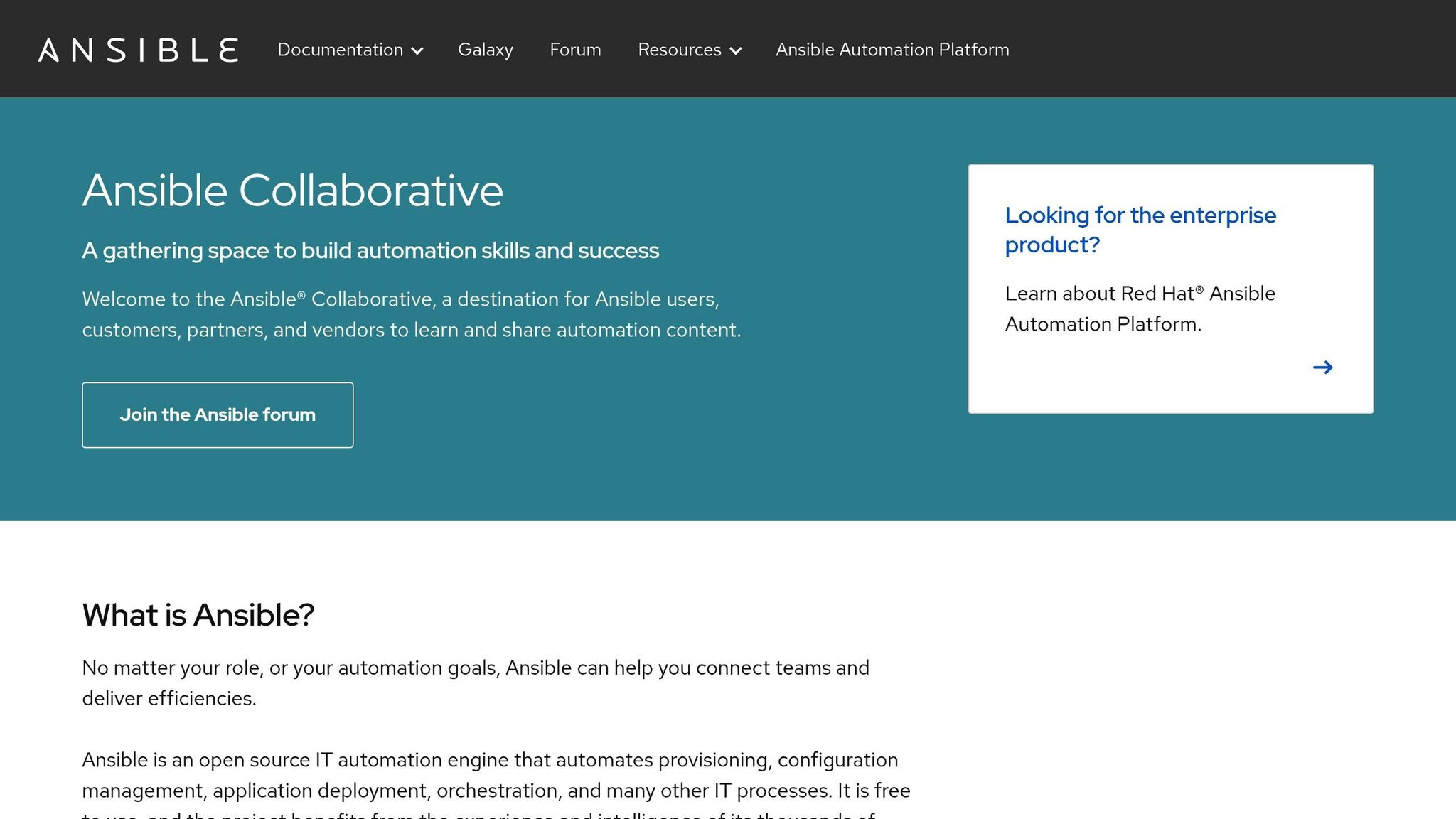
What is Ansible?
Ansible is a powerful automation tool that facilitates tasks like server provisioning, configuration management, and software deployment. It operates without requiring a client-side agent, making it both lightweight and efficient.
Key Features of Ansible
- Agentless Design: Only requires installation on the control node; managed servers don’t need additional software.
- YAML-based Configuration: Ansible uses human-readable YAML files (playbooks) to define automation tasks.
- Scalability: Manage thousands of servers simultaneously with consistent results.
Setting Up Ansible
- Install Ansible on the Control Node: Use the following command:
Verify installation with:yum install ansibleansible --version - Define Managed Hosts: Edit the Ansible inventory file located at
/etc/ansible/hostsand list the IP addresses or hostnames of the servers you want to manage. - Generate SSH Keys for Passwordless Authentication: Generate SSH keys using:
Copy the key to managed servers with:ssh-keygen -t rsa -b 2048ssh-copy-id user@remote-server
Using Ansible Playbooks
Playbooks automate tasks by defining them as YAML scripts. Here’s a basic example to install the tmux package on multiple servers:
- hosts: webservers become: yes tasks: - name: Install tmux package yum: name: tmux state: present Run the playbook with:
ansible-playbook <playbook-file.yml> Ansible will simultaneously install tmux on all servers listed in the inventory file.
Optimizing System Performance with Tuned

Tuned is a system-tuning tool that adjusts performance settings based on predefined profiles. It optimizes system behavior for various workloads, such as desktop performance, virtual guests, or high-throughput servers.
Steps to Use Tuned:
- Verify installation:
yum install tuned systemctl start tuned systemctl enable tuned - List available profiles:
tuned-adm list - Apply the recommended profile:
tuned-adm profile virtual-guest
Key Takeaways
- User Account Security: Create unique usernames, enforce strong password policies, and configure UID ranges to minimize guessability.
- Reduce Attack Surface: Use
rpmordnfto remove unnecessary packages and services, keeping only essential components active. - Harden SSH Configurations: Disable root login, use key-based authentication, and change default SSH ports.
- Enable Firewalls and SELinux: Add layers of security with tools like
firewalldand SELinux, enforcing stricter access controls. - Automate with Ansible: Use playbooks to automate repetitive tasks like software installation and system configuration.
- Leverage Tuned: Optimize performance by choosing predefined profiles based on workload requirements.
- Keep Systems Updated: Regularly apply security patches to minimize vulnerabilities without overloading the system with unnecessary updates.
Conclusion
Hardening and automating your Linux server is a transformative step toward building a secure and efficient IT environment. By implementing the strategies outlined in this guide, you can safeguard your system against attacks while drastically reducing manual workload through automation. Remember, security is not a one-time task but an ongoing process of monitoring, updating, and refining your systems.
Source: "Linux Server Hardening: Security → Performance → Automation (Full Guide)" – ZeroDay Reaper, YouTube, Aug 31, 2025 – https://www.youtube.com/watch?v=MxmljCTDMSY
Use: Embedded for reference. Brief quotes used for commentary/review.







